Repository navigation
Preferences: New UI, Theme Pane implementation, Persistence to ~/.codeedit/ Folder - #343
Conversation


|
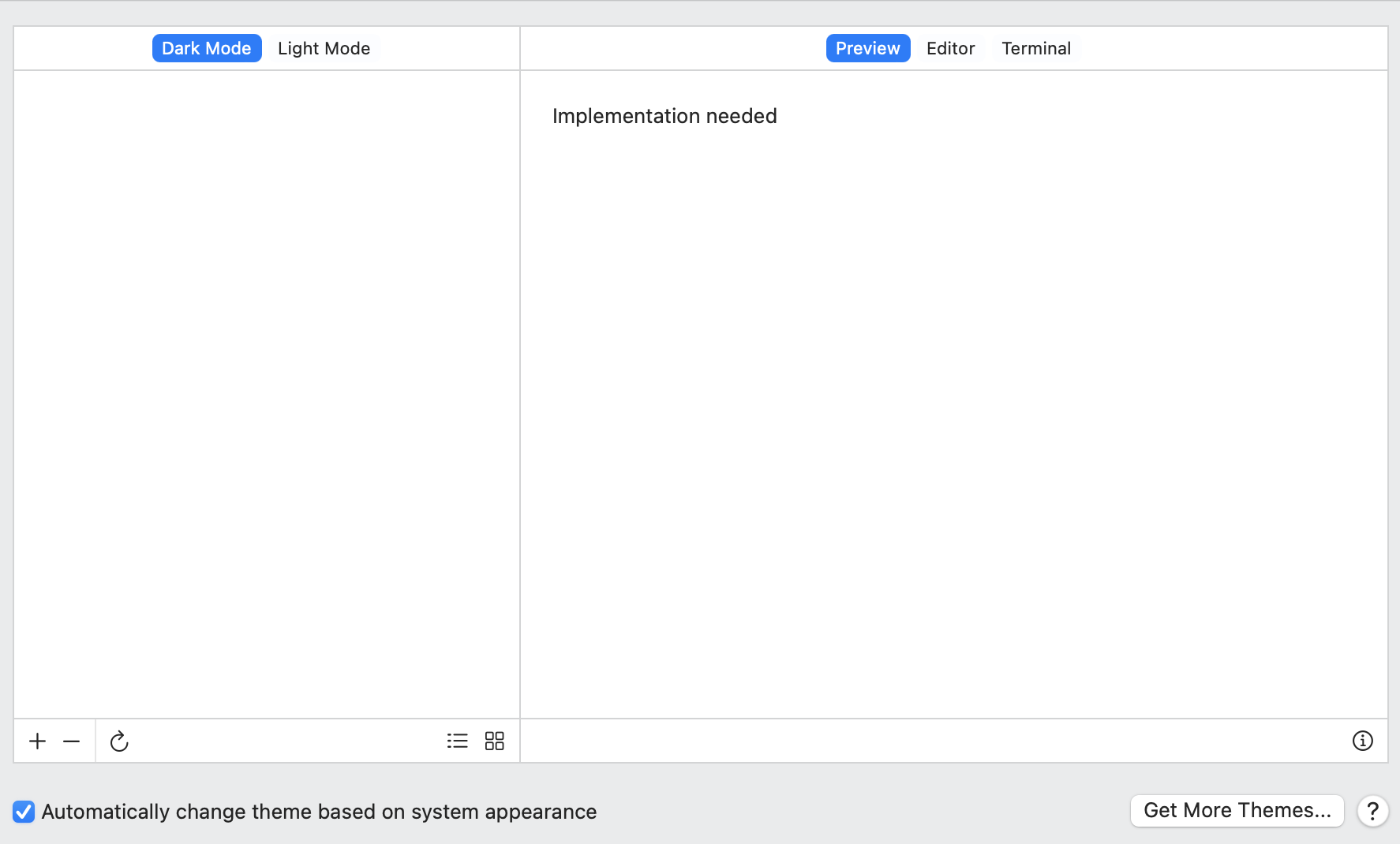
@lukepistrol : Great job, how come the Editor and Preview are empty and are there in the video? |

You need to select a theme. |
|
@lukepistrol : From where?
|
|
@Angelk90 pull again and try now |
|
This is what I see: Registrazione.schermo.2022-03-31.alle.15.36.58.movConsiderations:
|
Not yet.
Not yet implemented. The whole thing is WIP! |
 lukepistrol
changed the title
lukepistrol
changed the title
~/.codeedit/ Folder
…ot implemented buttons

 lukepistrol
changed the title
lukepistrol
changed the title
~/.codeedit/ Folder~/.codeedit/ Folder
|
@lukepistrol :
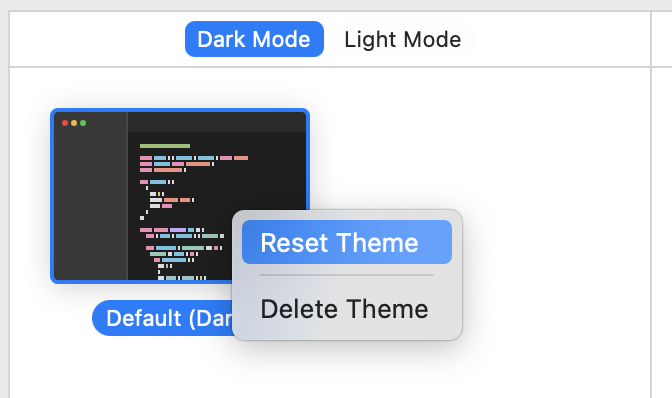
Reset: Delete: I also deleted the But in the program it shows me that the theme is there. |
… it is the last one available
|
@Angelk90 should be fixed now. When there is only one theme available, it cannot be deleted. And the default theme now properly gets saved to disk. |
|
@lukepistrol : You could post the themes you created anura or light. |
Not in scope for this PR. But we will implement proper themes later on. |
|
@lukepistrol : At the moment the following problem happens I change a theme color, for example invisible. I close the settings, also the program and find that it has been saved. But when I go to open the file, I can't find the change. |
What do you mean by "open the file"? please be more specific! |
|
@lukepistrol : I open the json file. |

Which one?? |

|
@Angelk90 please read the PR description... |
|
@lukepistrol : Then overrides are done in preferences. |
|
@lukepistrol : Ok, some considerations, not if they can be right at this stage.
Registrazione.schermo.2022-04-02.alle.19.30.23.mov |
That's just in which order the json is created which is random and should not be a problem.
Thanks for pointing this out. It indeed is a problem and I fixed it in the last commit. |
|
@lukepistrol : Now it seems to work. |

 austincondiff
left a comment
austincondiff
left a comment
austincondiff
left a comment
There was a problem hiding this comment.
Outstanding, nice work @lukepistrol! 👏🏻
4 participants


Description
Changes to Preferences
This PR implements a complete redesign of the
Preferenceswindow, coupled with a new way to persist settings. Instead of usingUserDefaultssettings are now saved to~/.codeedit/preferences.json. This way one can easily export or import settings manually. It's also possible to sync it across devices usingDotfiles Workflows.The main focus of the redesign is the window itself with a new toolbar selector on top (just like Xcode) to navigate to the different sections. Further the
Themessection is implemented how it was discussed in #286. The thumbnails of the themes in the sidebar are adaptive to color changes.Theme-specific changes
Themes are saved in
~/.codeedit/themes/as aThemeName.jsonfile. A default theme is provided bundled within the app and gets saved the first time preferences are opened. A template for themes can be found here.When a theme gets edited, changes get saved in
~/.codeedit/preferences.jsonunder"theme" > "overrides" > "theme_name". When a theme gets loaded it will override the values found there.When a theme was reset, the override properties of this theme get deleted in the
preferences.jsonfile.When a theme was gets deleted, the original
theme_name.jsonfile in~/.codeedit/themes/is deleted.TODOs
preferences.jsoninstead ofUserDefaultsfor persisting settings.preferences.jsonsoverridesinstead.Editoris not implemented yet)- [ ] Duplicate themes.(will be implemented later)- [ ] Sort themes by category:(will be implemented later)Bundled,Community,Custom.Releated Issue
Checklist
Screenshots
Editor Theme Settings / Icon Mode
Terminal Theme Settings / List Mode
Changing Colors -> Previews
Screen.Recording.2022-03-31.at.14.23.22.mov
Terminal Tab
Text Editing Tab
Folder structure of
~/.codeedit/~/.codeedit/preferences.jsonScreen.Recording.2022-04-01.at.09.54.50.mov
Reset/Delete Theme