Repository navigation
Screen error #721
Description

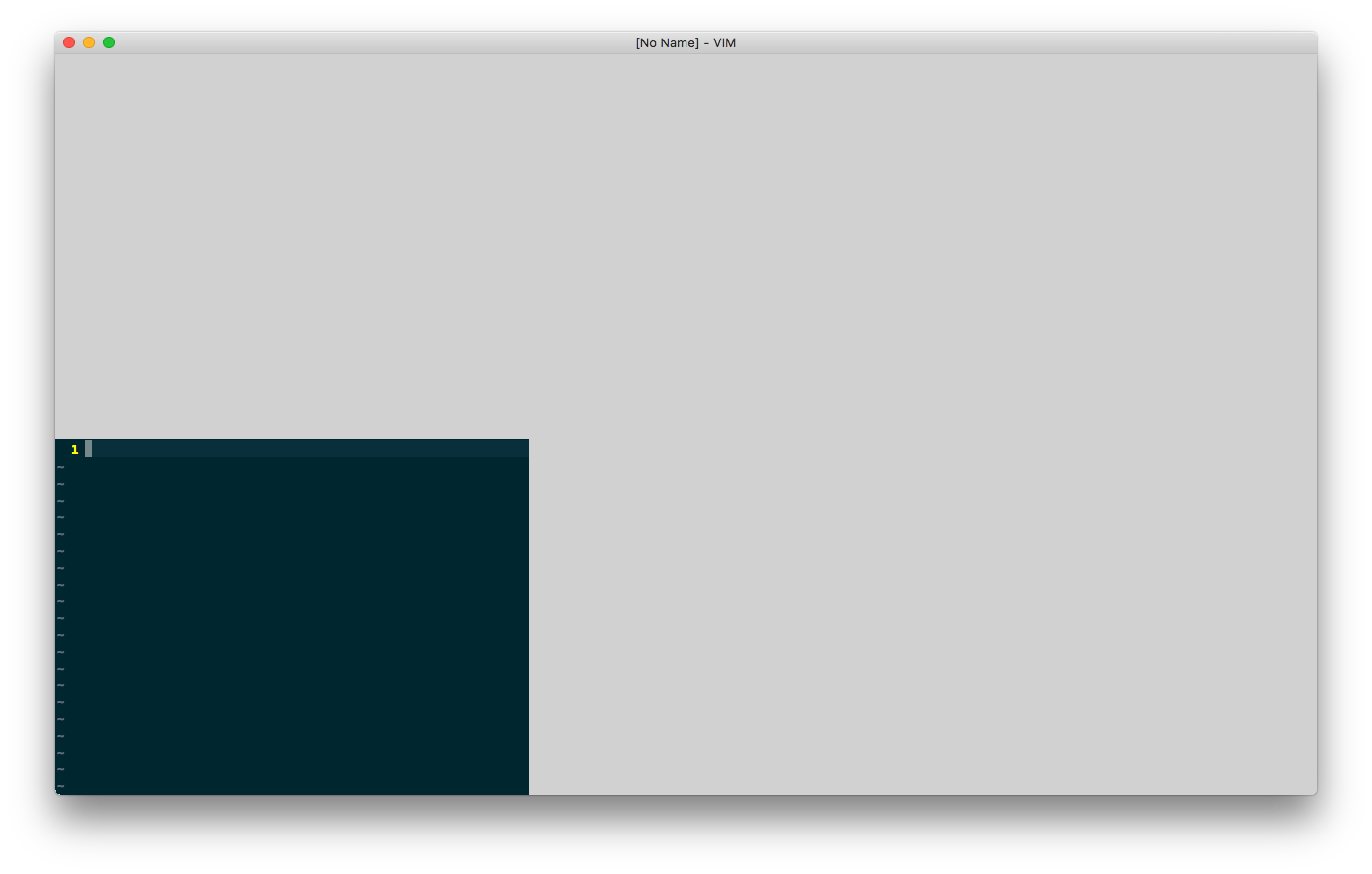
I have extra monitor. When I start MacVim on the extra monitor, it looks like that:
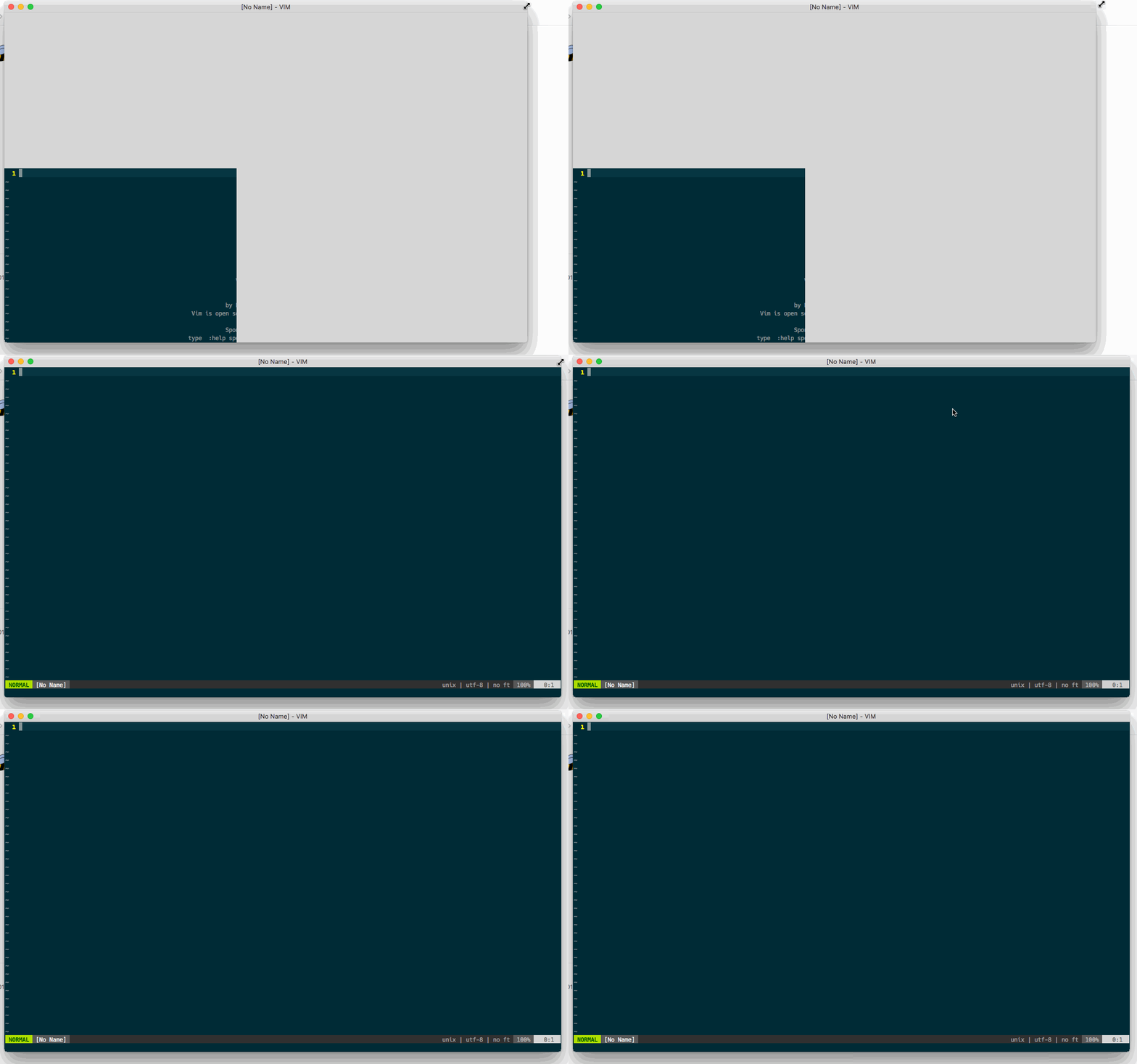
If I drag the MacVim program window to resize it, the screen will be fine.
Reacted by Sebastian Köhler, Eir Nym, Danny Hadley, Jakob Rath, Brad Brown, Casey Tucker, Elijah, Ewan Edwards, Mark Feblowitz, Paul and 6 more
Activity
[-]Screen deranged[/-][+]Screen error[/+]mikedupuis commentedon Aug 6, 2018
I can confirm that I'm seeing the same issue on a second monitor.
lowderchris commentedon Aug 6, 2018
Running into the same issue (and resizing fix) on an external DisplayPort monitor. With the same monitor connected, when opening a macvim window on the laptop display, the window renders as expected.
Paultergeist commentedon Aug 6, 2018
The issue appeared in snapshot-150, snapshot-149 was good.
fortman commentedon Aug 6, 2018
+1 , same issue here. Resizing window with mouse makes the window immediately snap to correct size
JTMosaic commentedon Aug 6, 2018
+1, same issue. Attempting to roll back to 149
tachijuan commentedon Aug 6, 2018
+1 here. If you open on the main monitor, it works just fine. If you open it on the second (non-main) monitor you get the behavior described
dctucker commentedon Aug 6, 2018
+1 Confirmed. This is particularly troubling since I want MacVim to always launch on my rightmost monitor.
ahmedelz commentedon Aug 6, 2018
+1
eirnym commentedon Aug 6, 2018
+1
muddysteel commentedon Aug 7, 2018
+1 same issue.
elithecho commentedon Aug 7, 2018
+1
eirnym commentedon Aug 7, 2018
The same is happening when you open a narrow window, for example, 69x42, and then open a window with local setting set width (or height) bigger than it was. Any way to force redrwaw works, including hiding MacVim or switching an app
Build 149 didn't had this issue.
fericit-bostan commentedon Aug 7, 2018
+1
rbm-aalsaleh commentedon Aug 7, 2018
+1
7 remaining items
davidozog commentedon Aug 9, 2018
+1
jadeallenx commentedon Aug 9, 2018
+1
ZGainsforth commentedon Aug 9, 2018
+1
xuyuheng commentedon Aug 10, 2018
+1
ychin commentedon Aug 10, 2018
I submitted a PR #727 to revert the change that introduced this bug. If someone can grab it and build locally to test it out that would be appreciated. I'm not at a place to be able to test external monitors right now.
dctucker commentedon Aug 10, 2018
Building ychin's branch solved the problem for me. Can anyone else confirm?
ychin commentedon Aug 12, 2018
@eirnym Can you explain a little more in how your repro case worked? What commands are you running?
eirnym commentedon Aug 12, 2018
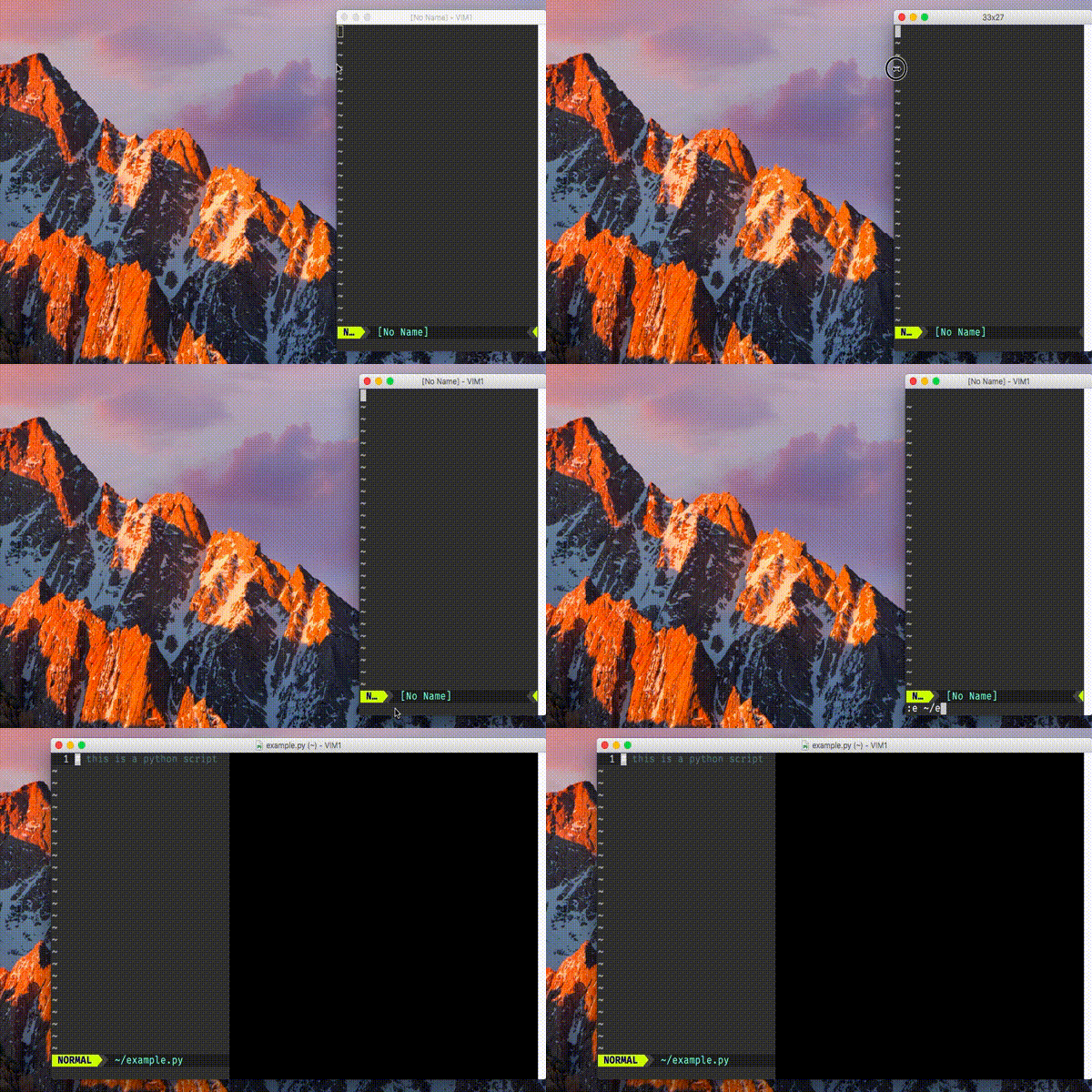
~/.vim/vimrcand set some small width, like20, next time it should open a window with the same width, you can check it by pressingCmd-N$ vim ~/example.pyor with:e ~/example.pyNotes:
if you don't open a file but an empty buffer on step 1, MacVim might won't save and trick won't work from command line but will with
:ecommand in the same windowA quick demonstration
eirnym commentedon Aug 13, 2018
@ychin Is my way to reproduce is good enough?
ychin commentedon Aug 14, 2018
@eirnym I couldn't reproduce the issue on my laptop. Did you only reproduce this using your method on an external monitor? If so I just need to hunt down an external monitor to connect to so I can debug it.
eirnym commentedon Aug 14, 2018
@ychin I have no external monitor
my minimal
vimrcwith I able to reproduce it (build 150)eirnym commentedon Aug 15, 2018
@ychin The problem with my issue is somewhere else, it's reproducable in build 122 (earlier builds don't want to be opened on my setup ;) )
I'll open a separate issue
ychin commentedon Aug 16, 2018
@eirnym Oh good to know. But also sad that that means I will have to hunt down an external monitor to test still.
Also check out #557 which I suspect could be related. You can try the suggestions from this comment (#557 (comment)) to see if it helps by setting
MMUseCGLayerAlwaysto true. It causes other issues such as scrolling performance but it's nice to know if it's related at least.eirnym commentedon Aug 16, 2018
@ychin please, look into #732, it could be the source of many resizing issues