Repository navigation
Window color gets polluted by colorscheme background color in Sierra #799
Description

The latest release (snapshot 152) introduced a change that would make window frame take on the color of the colorscheme background color in Sierra and older macOS versions, which is not what you want. Fix it.
See #791 (comment) for more initial report.
Activity
dond-- commentedon Dec 6, 2018
Seems to me it also broke background transparency in a window, is it possible? Should I file new issue for it?
ychin commentedon Dec 6, 2018
@dond-- did you mean something like
:set transparency=50? That should still work. This current issue is related to the change that tried to keep it working under the new renderer.What OS are you using and are you on Homebrew or official binary release? Also can you paste the version string?
dond-- commentedon Dec 6, 2018
It basically works but percepted transparency value is somehow influenced by colorscheme background color, too, or at least it seems to. When I set transparency to value of 15, you'd see white background of this very window in attached picture but you won't see anything until I set transparency to about value of 45. (Colorscheme torte.)
When I change colorscheme to evening which has brighter background, say evening, it's enough to set transparency to value of 25 to get really transparent background. The darker the background in colorscheme, the higher value of transparency you have to set to get non-opaque window, seems to me. Definitely behaviour has changed somehow.
Official binary release 8.1.560, version tells: VIM - Vi IMproved 8.1 (2018 May 18, compiled Dec 5 2018 11:32:33) – full output also attached.
Workaround is simple: set transparency to higher value to get same perception as before. I just wanted to point out it may be related to window/title bar color issue.
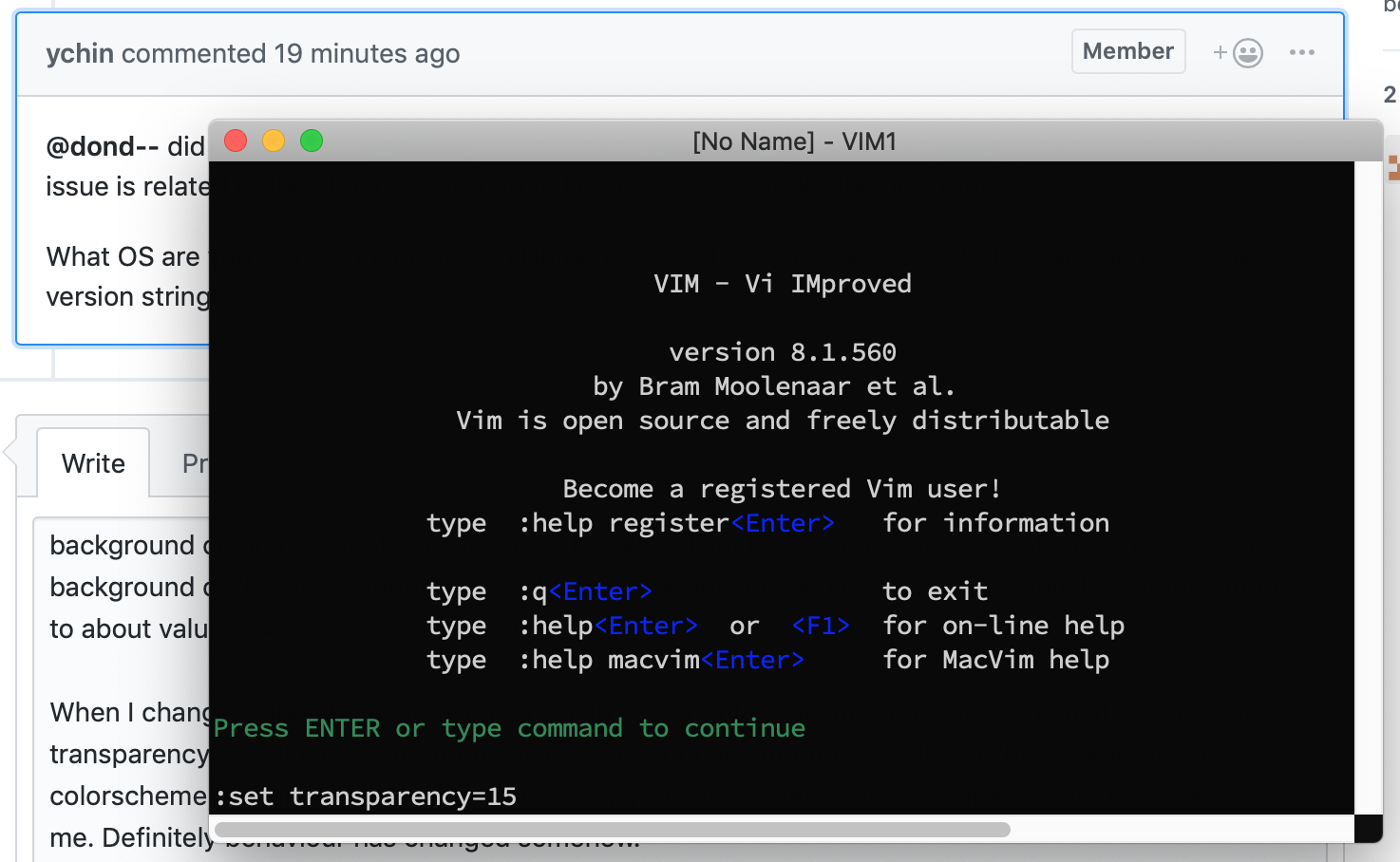
macvim-version-560.txt
dond-- commentedon Dec 6, 2018
Oh, and OS: Mojave 10.14.1 (18B75).
ychin commentedon Dec 6, 2018
Yes you are right the default behavior has changed since the window color is now set to the same color as the color scheme background color. Let me play around with it and see which way is the desired bahavior (feel free to leave your opinion on this). Let’s just use this issue to track for now. They are related.
dond-- commentedon Dec 6, 2018
OK, no problem. I don't have an opinion on this, just wanted to point out possible trouble. Thanks for your time, anyway.
tessarin commentedon Dec 7, 2018
@ychin Since you asked for opinions: while it is a welcome and interesting aesthetic change, the title must be readable. Maybe choosing its color automatically based on the background itself?
Also, having the option to switch back to the default gray bar would be excellent. I'm sure some people would prefer that. From what I understood it seems that Mojave still features the standard bar. Thus having this in the preferences would be ideal to make it consistent, giving the option to use background-based or standard bar under all systems.
Two other small details I may add is that the border which creates the highlight ends up being really bright:
And the title on fullscreen (after hovering over the menu-bar) has a bright outline:
jordanmarchetto commentedon Dec 7, 2018
I'm having the same issue (can't read the titlebar text). I'd be happy with a "use default gray bar" option, or just a way of specifying the font color (since I can already specify the bg color). Being able to choose fg/bg colors would be ideal though.
I also just realized the X's for the tabs aren't visible by default for me. Looks like the default OS behavior is for them to show when you hover the tab, but in macvim, it doesn't show until I hover over where the X is.
ychin commentedon Dec 7, 2018
I actually misspoke about the transparency issue. It is indeed a bug with multiple stacked layers causing you needing to set transparency much higher for it to be effective. I will need to investigate how to fix it properly and it’s Mojave only.
As for the title bar not showing, it’s a sort of different issue with us using a deprecated API that will be fixed soon (it only affects Sierra or below). I will need to test more to make sure it works well on all the supported OS versions.
Tab ‘X’ button not showing until you hover over it: That’s a different issue and has always been the case. It’s fixed in Mojave tabs but feel free to file a different issue for fixing it under pre-Mojave.
Fix 10.12 transparent title bar, and 10.14 'transparency' issues
Fix 10.12 transparent title bar, and 10.14 'transparency' issues
Fix 10.12 transparent title bar, and 10.14 'transparency' issues
ychin commentedon Dec 10, 2018
The issues should now be fixed. The Sierra titlebar should look like they did before, and Mojave transparency will blend as expected (e.g.
set transparency=50means half-half).They will be released in the next update. Use the milestone linked in this issue to track the progress on that.