Android's UI framework, faithfully ported to C++ — Android-quality UI on embedded devices with no Android runtime, and a readable mirror of AOSP internals you can actually learn from.
CDroid is a line-by-line C++ port of Android's Java UI SDK — android.widget, android.view, android.text, android.graphics.drawable, android.animation — built on top of Cairo (vector graphics) and targeting embedded systems (runs in as little as 32 MB of RAM). It is neither a wrapper around Android nor merely "Android-inspired": class names, member names, method signatures, and control flow track the AOSP sources closely enough that you can open the Android reference next to the C++ and follow along line by line.
If you can describe a UI in Android XML, you can run that same UI on a set-top box, an in-dash display, or an industrial panel — designed in Android Studio, rendered by Cairo, no JVM in sight.
- Main repository: https://gitee.com/houstudio/cdroid
- Mirror: https://github.com/houstudio/cdroid
- Contact: QQ 1225012331 / WeChat: calfhou
Embedded teams keep reinventing UI frameworks, and the results are rarely as good as Android's. CDroid takes the other route: port the real thing, preserve a decade of Android UI engineering, and ship it where Android itself can't run. The guiding rule is fidelity over redesign — translate Android's logic verbatim instead of second-guessing it. (See AGENTS.md.)
- Embedded engineers who need a polished, animatable, Material-style UI on constrained hardware (32 MB+) where full Android is too heavy.
- Android developers who want to understand how the framework actually works — View measure/layout/draw, Choreographer, input dispatch, text layout, drawables — by reading clean C++ instead of fighting the AOSP build. CDroid is the most readable mirror of AOSP framework internals that exists.
- C++ engineers looking for a substantial, well-architected codebase: real ownership/lifetime challenges, modern features (ConstraintLayout/MotionLayout, RecyclerView, fragments, transitions), and Cairo-based rendering.
- 100+ widgets & 50 drawables, API-compatible with Android — design them in Android Studio / Eclipse.
- Full AndroidX ports: RecyclerView, ConstraintLayout + MotionLayout, FragmentManager + Navigation, Flexbox, CoordinatorLayout, ViewPager2.
- Fragment + Transition framework, including shared-element transitions.
- Binary AXML resources end to end — aapt2-compiled XML +
resources.arscpacked into.pakarchives, real resource ids in generatedR.h, build-time resource overlay. - android.app services in-process — AlarmManager (suspend-aware delivery, no dedicated thread), dialogs, a minimal PendingIntent.
- In-process accessibility — AccessibilityService + node tree, plus UiAutomation semantic test drivers (
--auto-testsweep,--test-scriptDSL). - Vector graphics via Cairo — no
Bitmapclass;Cairo::ImageSurfaceplays that role. - Multi-window / multi-layer compositor with damage-region rendering.
- Faithful text stack: spans,
StaticLayout/DynamicLayout, minikin line-breaking, fonts.xml family/fallback chain, color emoji (CBDT),KeyCharacterMap, IME. - Cross-platform backends: DRM, fb, DirectFB, SDL, XCB/Xlib, VNC.
CDroid is a large port — there is always more to translate from AOSP, and we'd love your help.
- 🆕 Good First Issues — concrete, self-contained tasks, each pointing to the exact AOSP source to port.
- 📖 Contributing guide — how to build, the fidelity methodology, and how to claim your first task.
- 中文说明见 README.cn.md.
- VM(Ware):https://pan.baidu.com/s/1-v-rLcHxo5W5TXvJ2NUWxA fetchcode:spux (VM Ubuntu User:cdroid password:123456)
- After login pls run git pull to get new version of cdroid
- You'd better remove outXXX and run build.sh to rebuild makefiles after each git pull.


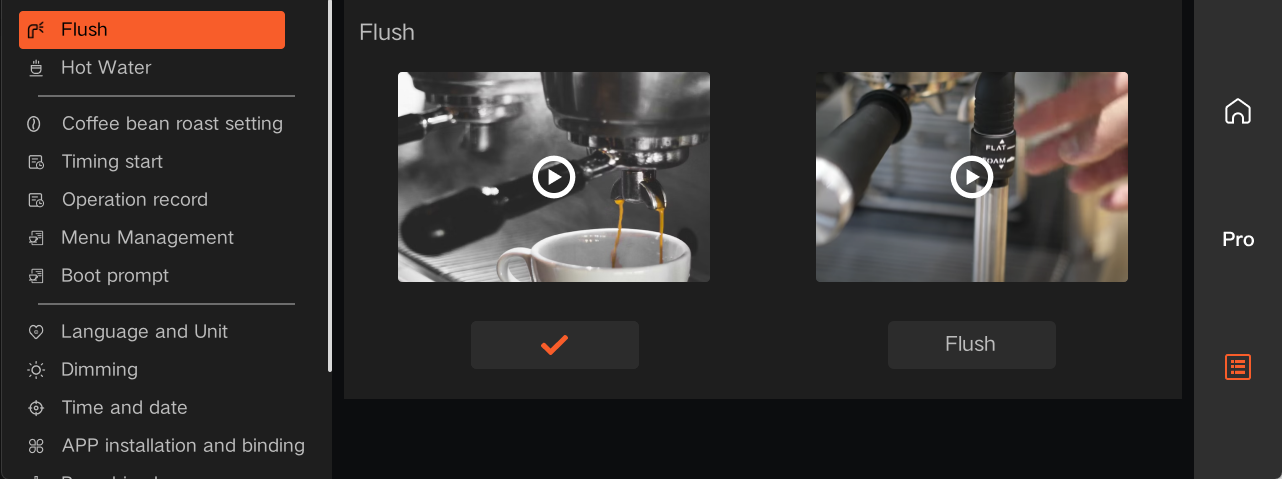
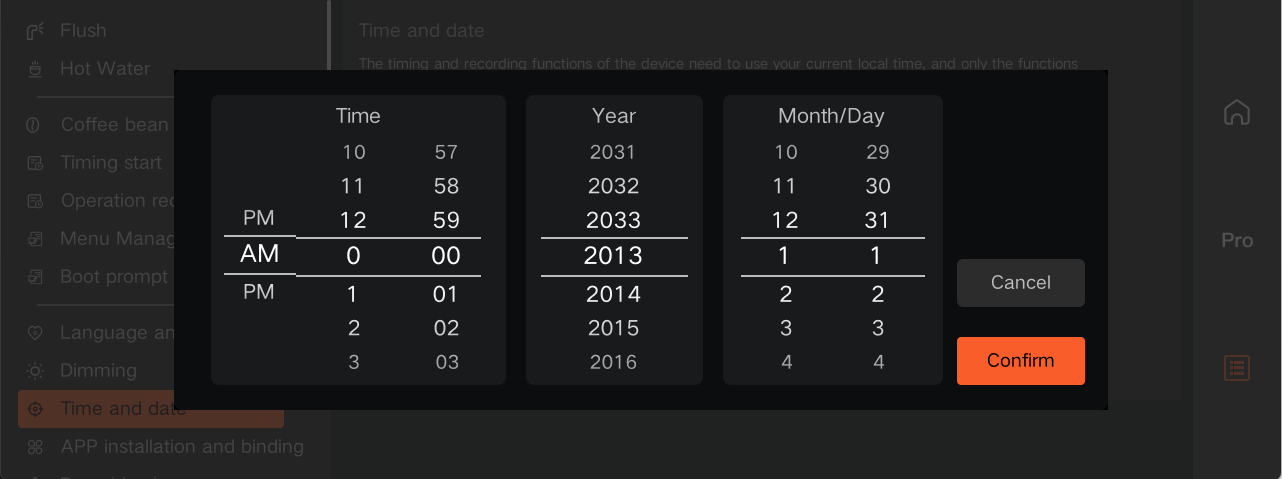
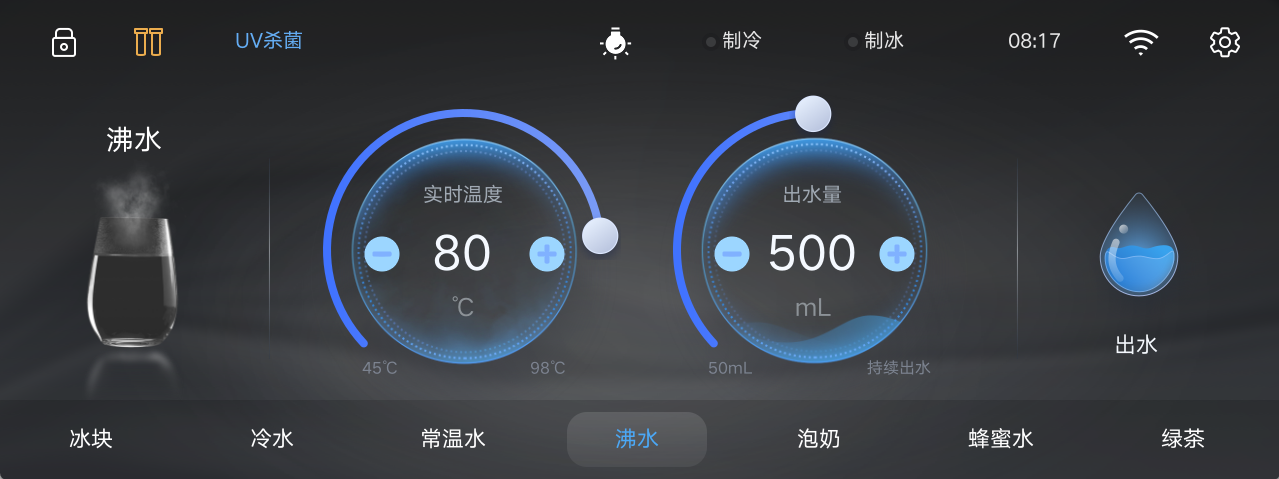
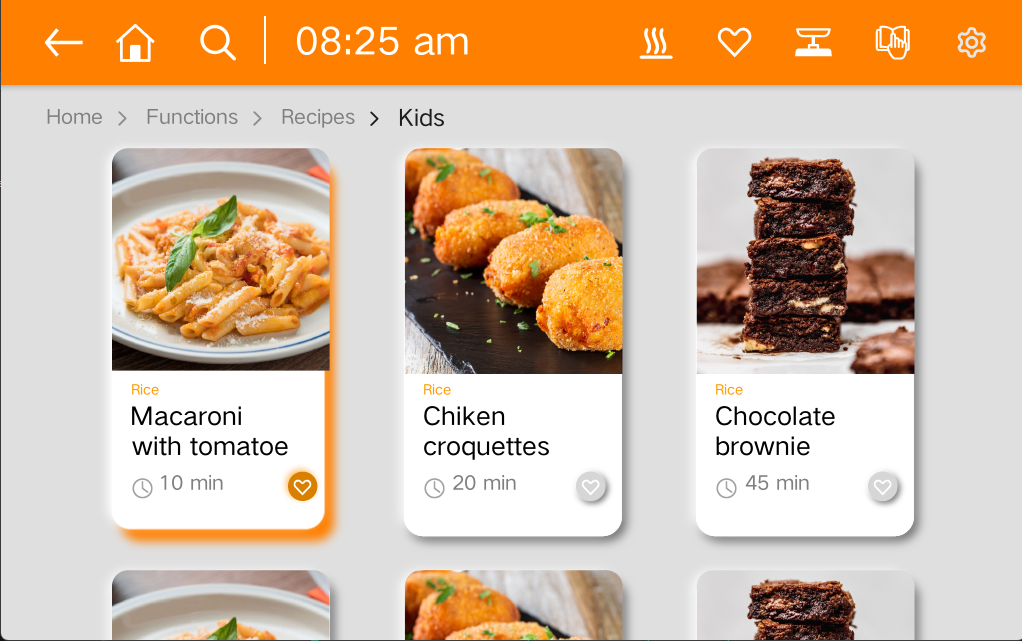
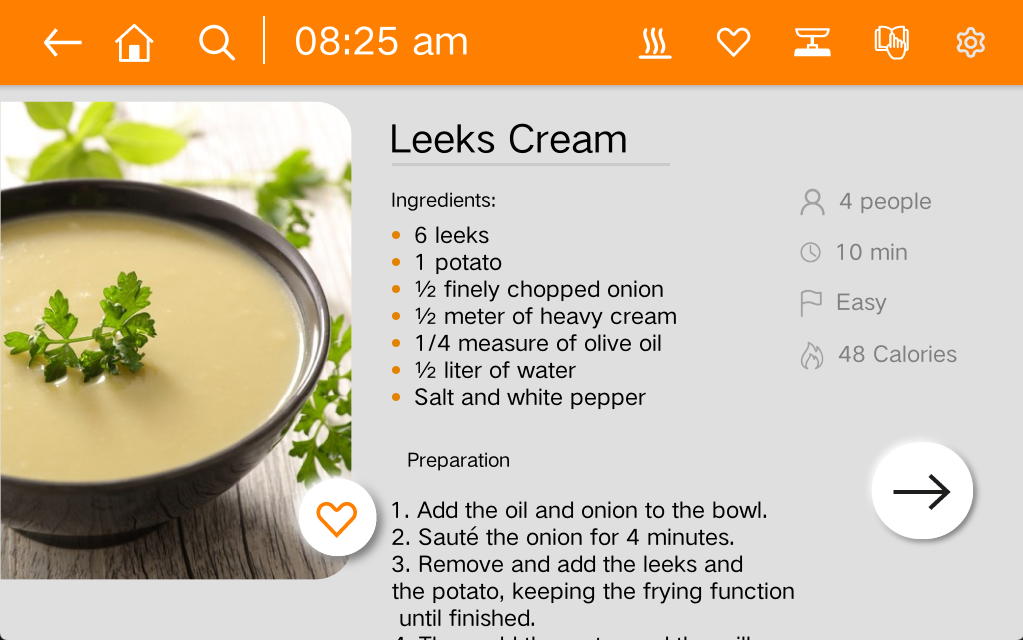
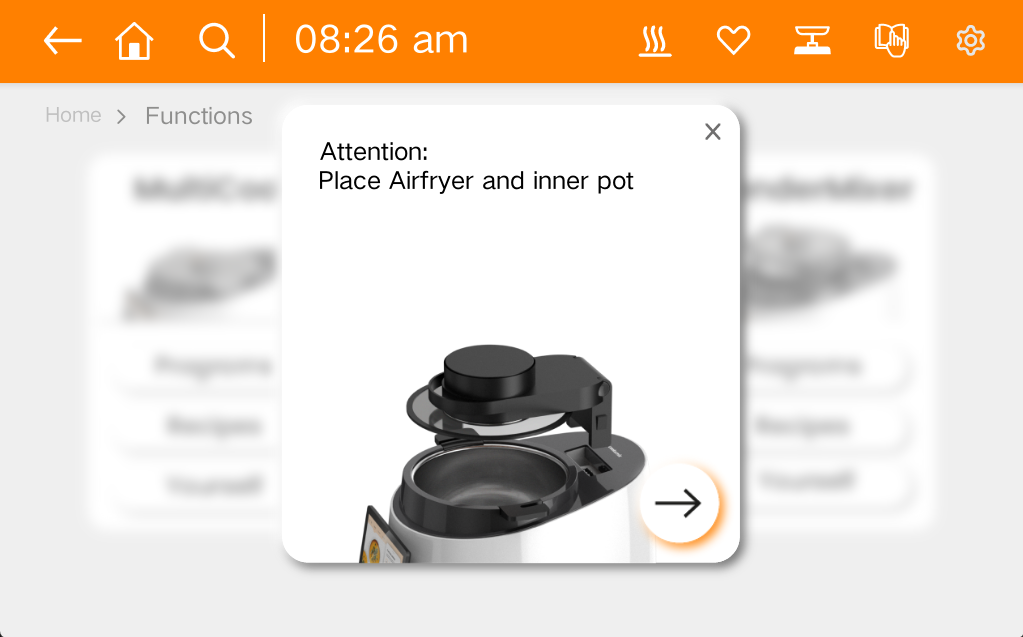
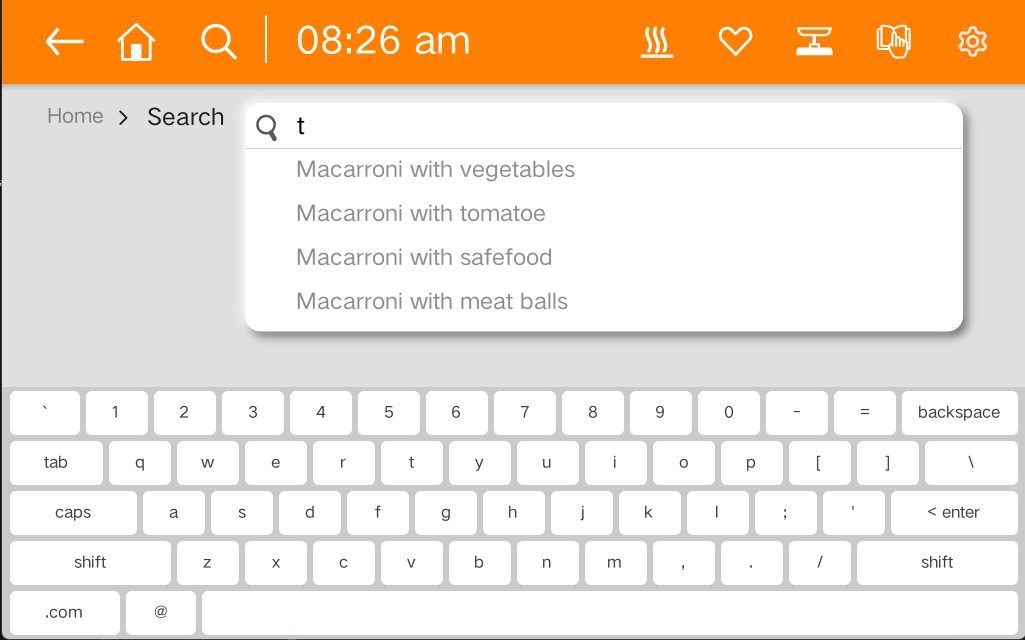

| View | TextView | Button | ImageView | ImageButton |
|---|---|---|---|---|
| CompoundButton | ToggleButton | CheckBox | RadioButton | ProgressBar |
| SeekBar | Chronometer | AnalogClock | ViewGroup | RadioGroup |
| ScrollView | ViewPager | SimpleMonthView | Switch | RatingBar |
| NumberPicker | ListView | GridView | RecyclerView | ViewFlipper |
| ViewAnimator | AdapterViewAnimator | CalendarView | TabLayout | DatePicker |
| TimePicker | NestedScrollView | HorizontalScrollView | DateTimeView | ViewPager2 |
| YearPickerView | WearableRecyclerView | Toolbar | QRCodeView | CardView |
| FrameLayout | LinearLayout | RelativeLayout | TableRow | DrawerLayout |
|---|---|---|---|---|
| TableLayout | AbsoluteLayout | GridLayout | GestureOverlayView | CoordinatorLayout |
| ConstraintLayout | MotionLayout | FlexboxLayout | SlidingPaneLayout |
| ColorDrawable | BitmapDrawable | NinePatchDrawable | InsetDrawable |
|---|---|---|---|
| ShapeDrawable | TransitionDrawable | AnimatedVectorDrawable | StateListDrawable |
| LevelListDrawable | ClipDrawable | AnimatedRotateDrawable | RotateDrawable |
| GradientDrawable | ScaleDrawable | AnimatedImageDrawable | VectorDrawable |
| RippleDrawable | AnimationDrawable | AnimatedStateListDrawable | LayerDrawable |
| BadgeDrawable | PictureDrawable | AnimationScaleListDrawable | AdaptiveIconDrawable |
- 1 A new product porting should be placed to src/porting/xxx(where xxx is you chipset name)
- 2 implement your porting api to xxx directory
- 3 modify build.sh to support your port(you should configure sysroot toolchain...).
- 4 call build.sh --product=xxx
- 5 make you project(SeeAlso Building CDROID)
sudo apt install autoconf libtool build-essential aapt cmake gdb pkg-config zip curl unzip gettext libx11-dev libxcursor-dev libxcb1-dev libxcb-image0-dev libxcb-cursor-dev bison python3 python3-pip python3-lxml python3-pil meson
- git clone https://www.github.com/microsoft/vcpkg.git
- cd vcpkg
- ./bootstrap-vcpkg.sh
- cd ~
- git clone http://www.gitee.com/houstudio/cdroid.git
- cp cdroid/scripts/vcpkgpatch4cdroid.tar.gz vcpkg/
- cd vcpkg
- tar -zxvf vcpkgpatch4cdroid.tar.gz
- ./cdroid_install_libs.sh --triplet=x64-linux-dynamic
- cd cdroid
- ./build.sh --build=debug
- cd outX64-Debug
- make -j
- No manual copy in the build tree: cdroid.pak / widgetex.pak are generated at the out-root and every app locates them automatically (probe order: the executable's directory and its parents, then cwd, then /usr/share/cdroid and /opt/cdroid).
- An app's own
<app>.pakis picked up beside its binary (override the directory with--data). - For device installs put cdroid.pak / widgetex.pak under /usr/share/cdroid (or /opt/cdroid).
- each sample is its own make target, e.g.
make buttonsthen runapps/samples/buttons make alarmmanager && apps/samples/alarmmanager(AlarmManager demo)