Repository navigation
Activating dock no longer focuses git tab element #1614

Description

Description
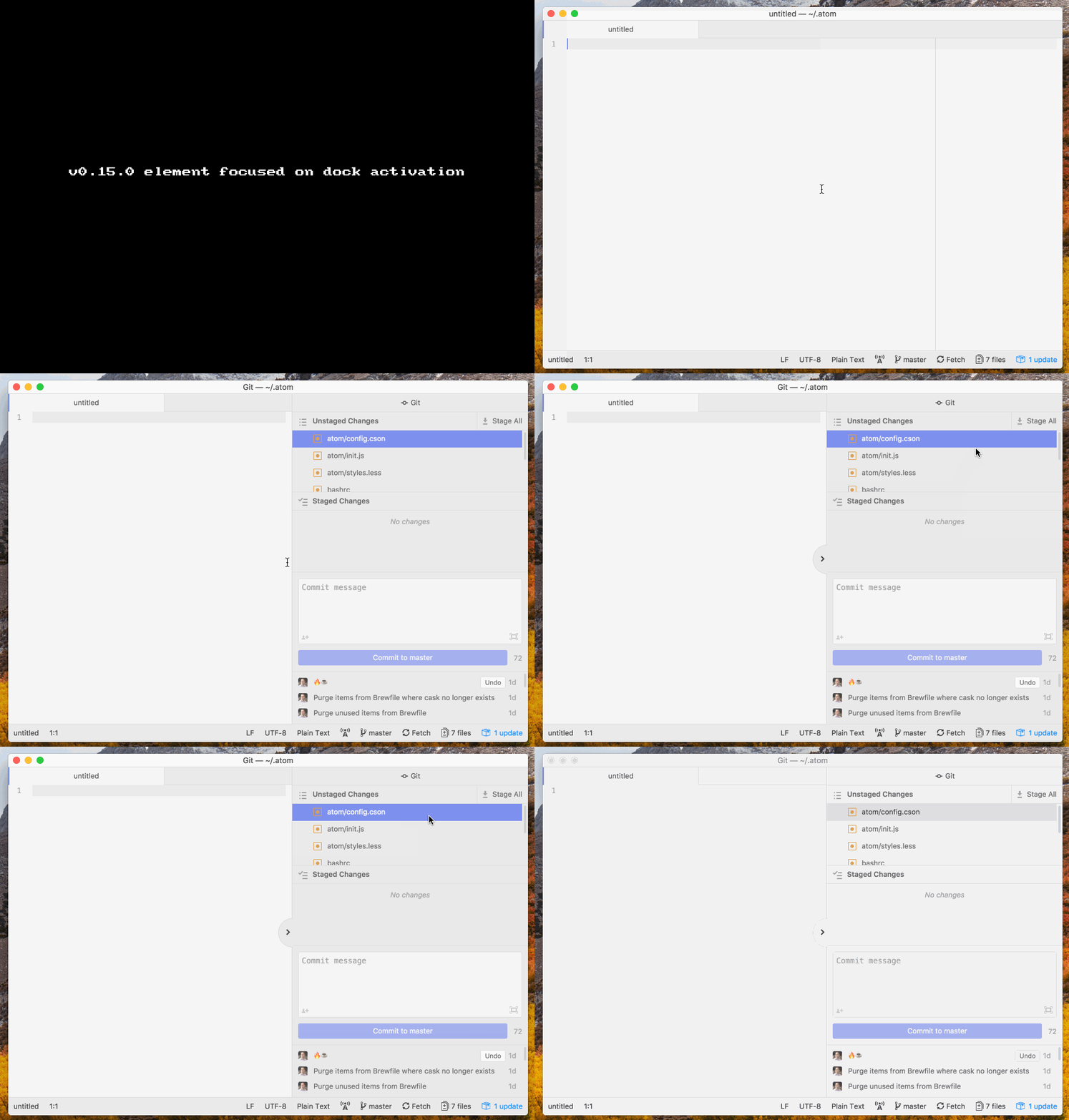
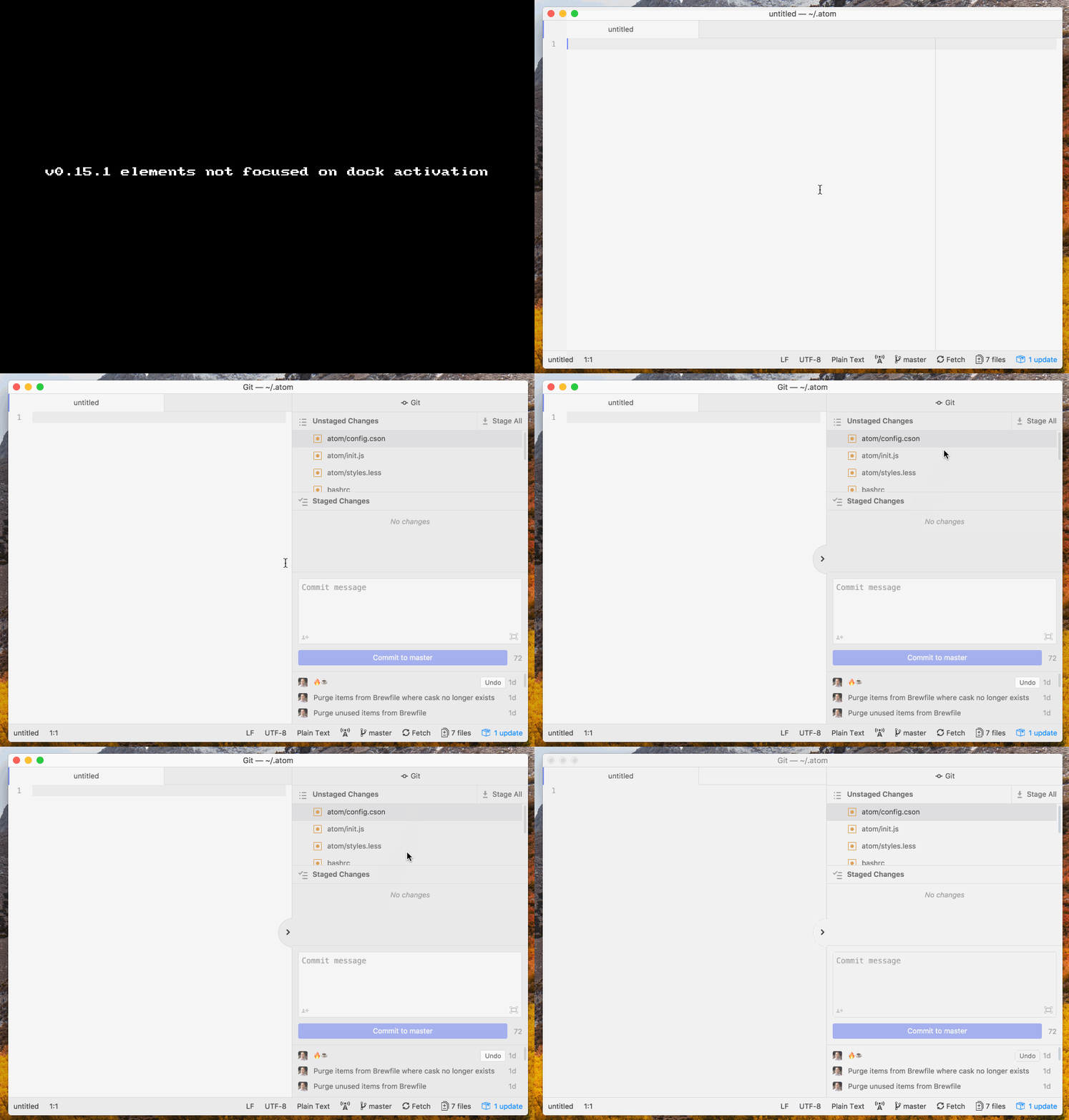
Up until v0.15.0, activating the right dock would conveniently select an element in the git tab, thus enabling easy keyboard navigation among the changed files. Starting in v0.15.1, activating the right dock no longer focuses inside the git tab, which means you have to use your mouse 😱 to select an element in the git tab before you can start using the keyboard to navigate among the changed files.
Steps to Reproduce
-
Define a command in your init script to activate the right dock:
atom.commands.add('atom-workspace', 'me:activate-right-dock', function () {
  atom.workspace.getRightDock().activate()
})
-
Reload Atom to load this ☝️ new command
-
Open a git repository in Atom
-
Edit and save a file (so that git can detect that a file has changed)
-
Use the command palette to invoke 'GitHub: Toggle Git Tab Focus'
-
Click the arrow icon to close the right dock
-
Use the command palette to invoke 'Me: Activate Right Dock'
Expected behavior:
The Git tab appears and the first element is selected. (Or, if you selected an element after Step 5 and before Step 6, then that element should be selected.) From there, you can use up/down arrow keys on the keyboard to move up/down the list of files in each section (i.e., unstaged changes" or "staged changes")
Actual behavior:
The Git tab appears and no elements appear to be selected. Pressing the up/down arrow keys on the keyboard has no observable effect. You have to use the mouse to click on one of the unstaged or staged files, and then you use the up/down arrow keys to navigate up/down the list of files.
Reproduces how often:
100%
Demo
v0.15.0 😁
v0.15.1 🙀
Versions
macOS 10.13.6
$ atom --version
apm Atom    : 1.31.0-dev-7a0b31f69
Electron: 2.0.5
Chrome  : 61.0.3163.100
Node    : 8.9.3

$ apm --version
apm  1.19.0
npm  3.10.10
node 6.9.5 x64
atom 1.31.0-dev-7a0b31f69
python 2.7.10
git 2.18.0
Additional Information
/cc #1560, since it looks like it might be related
Activity