Repository navigation
Domain Limit Exploit for Unlimited Domain Ressources #4155

Description

ISSUE TYPE
- Bug Report
COMPONENT NAME
- Domain/Account Limiting
CLOUDSTACK VERSION
- Tested on 4.11.3 and 4.14
CONFIGURATION
- Quite irrelevant, new installation also affected
OS / ENVIRONMENT
- CentOS7 Nodes
- KVM
- Ceph
- NFS Secondary
- Hyperconverged
SUMMARY
- The VM Settings Tab allows Domain Admins to set CPU and RAM Values with no restriction
STEPS TO REPRODUCE
-- Create a custom offering, either with or without constraints.
-- Create a Domain with a Domain Admin User
-- Set any Domain Limit and/or Account Limit
-- Login as the created Domain Admin of the Testing Domain
-- Create an Instance with the settings of your choice but use the custom offering and set it to anything below your Limits. At this point, setting CPU and RAM too high is going to fail because the Limits are taken into account.
-- Stop the Instance after creation and go to the Settings Tab of the VM
-- You can edit the CPU and RAM of the VM as you would expect from the custom offering, however you can set the VM Parameters in this tab to anything you want and CS is going to accept it.
-- If your hosts can handle the new VM size, CS is going to boot the VM as if nothing is strange
EXPECTED RESULTS
- When setting the VM Parameters via settings tab, the Domain and Account Limits should be taken into account and the action should fail
- Maybe at least the launch should be prevented of Domain or Account Limits are reached
ACTUAL RESULTS
- If a Domain is set to 16 CPUs, Users (Domain Admins) can effectively create 16 VMs with 1 CPU each and set all of them to 32 CPUs afterwards. As long as the Cluster can handle the Usage, you can launch all of them and work with them like you had 512 CPUs as your Limit.
Activity
ravening commentedon Jun 29, 2020
Can you let me know what values you filled in the above settings so that I can reproduce them?
VincentHermes commentedon Jul 1, 2020
I didn't add a new Setting in the Settings tab. If you set a custom compute offering for a VM you get the settings "cpuNumber" and "memory" in the VM Settings Tab. Changing any of these values will change the VM Properties even above the users or domains limits.
ravening commentedon Jul 2, 2020
I was not able to reproduce the issue
Then a created a VM with 1 core and 512mb ram
Stopped the vm and the changed the settings to below value
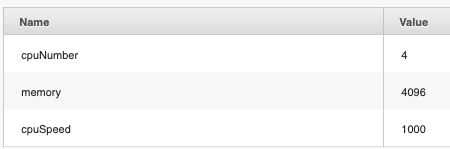
When I try to start the vm, I get the below error message.
VincentHermes commentedon Nov 17, 2020
Sorry for the long waiting time. I just stumbled over this problem again.
So this is what I did:
Logging in as this account (domain-admin) (limit 16 cpus):

Into this Domain (limit 16 cpus):

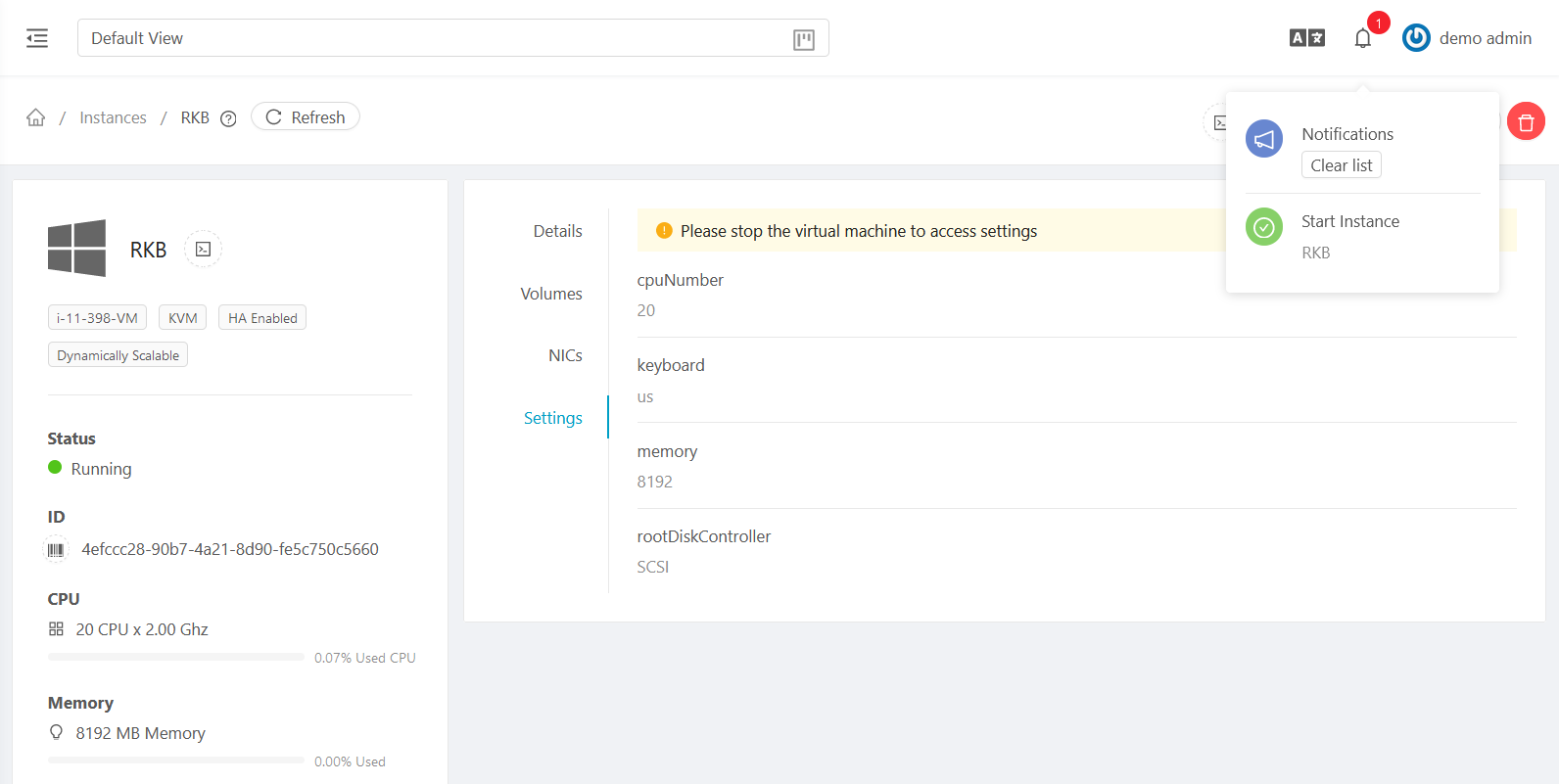
Editing this VM (8 cpus):

Which has this Compute Offering (custom constrained):

Inside this menu:
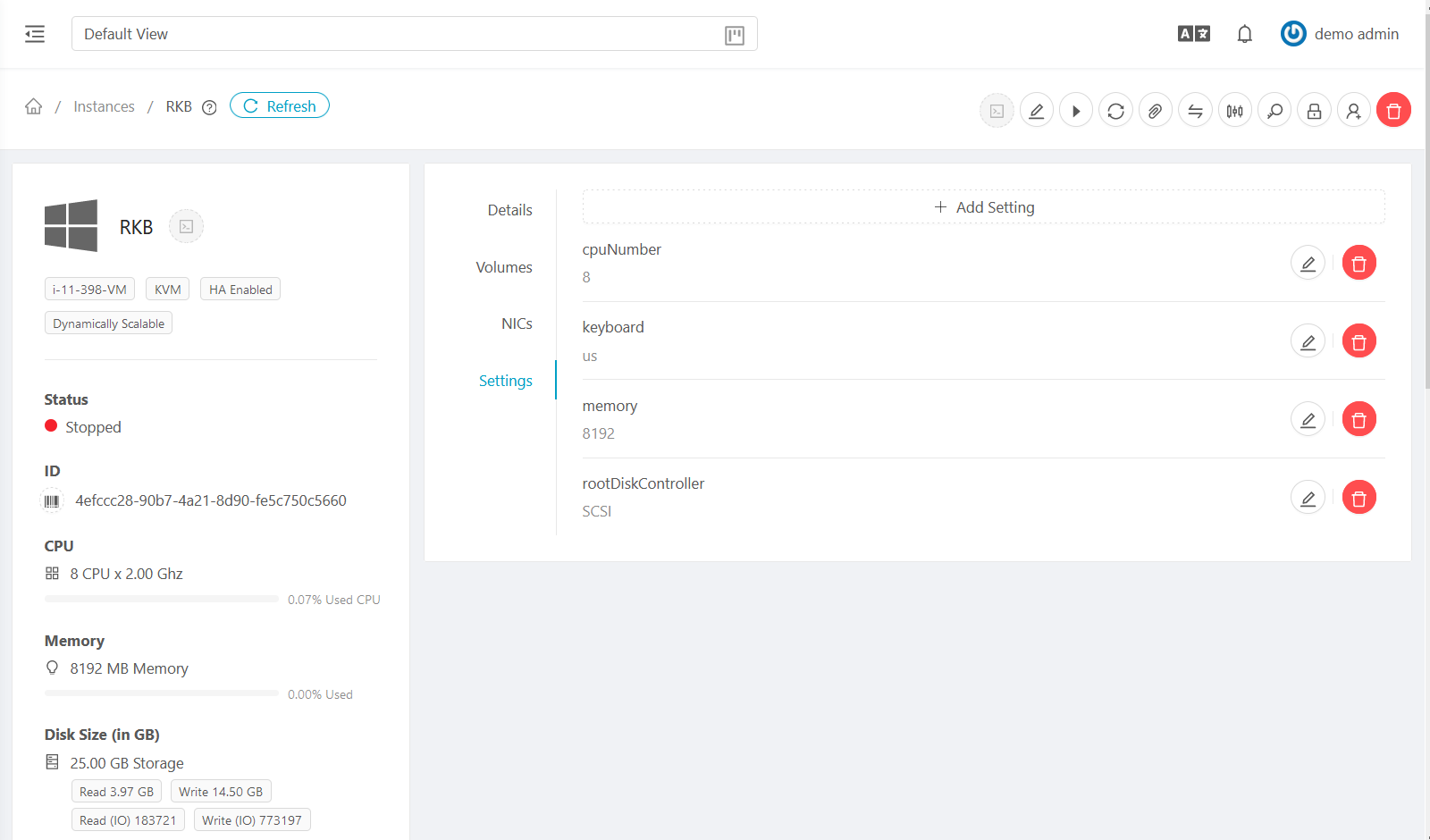
To 20 CPUs:
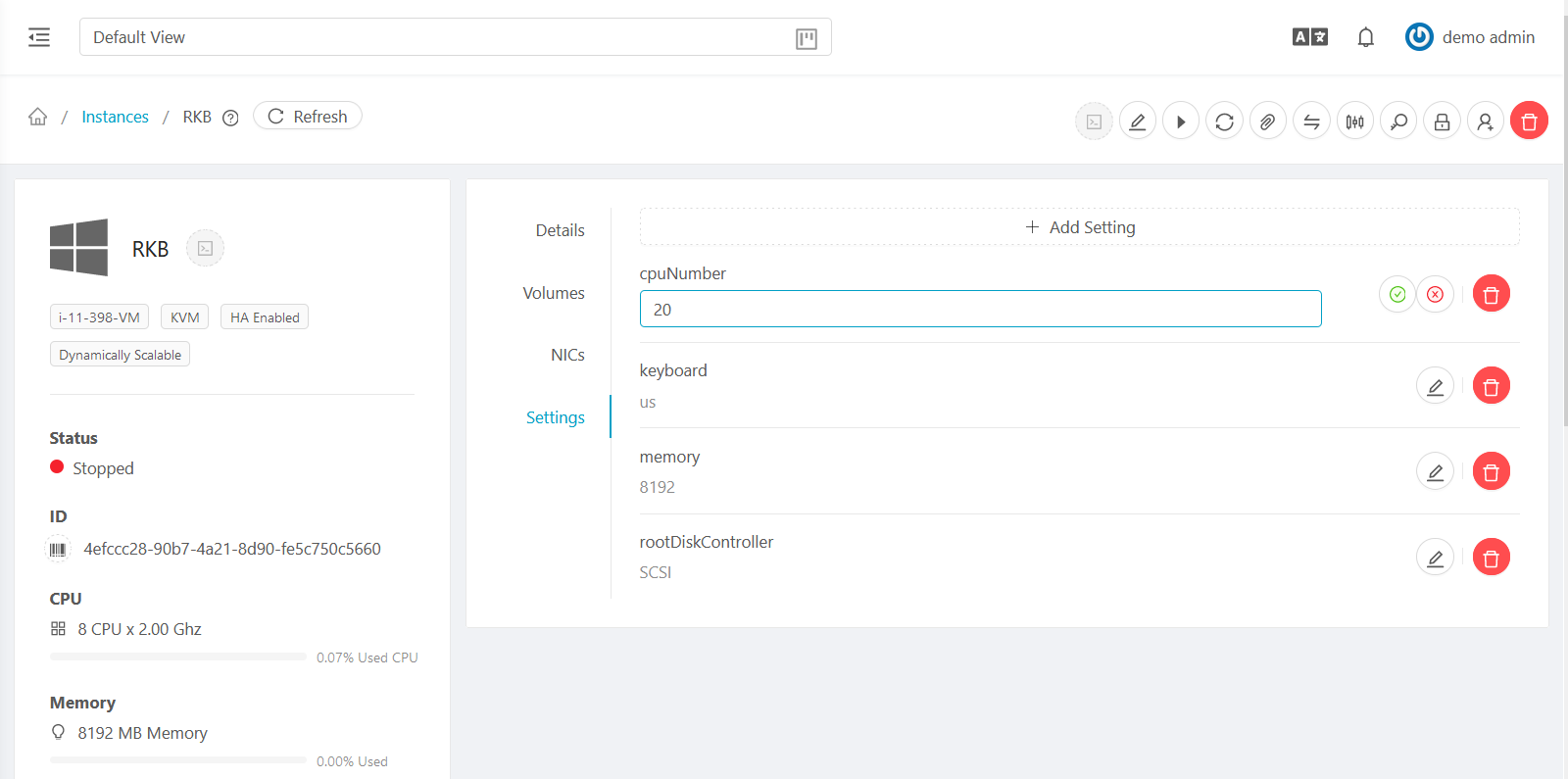
And thats perfectly fine:
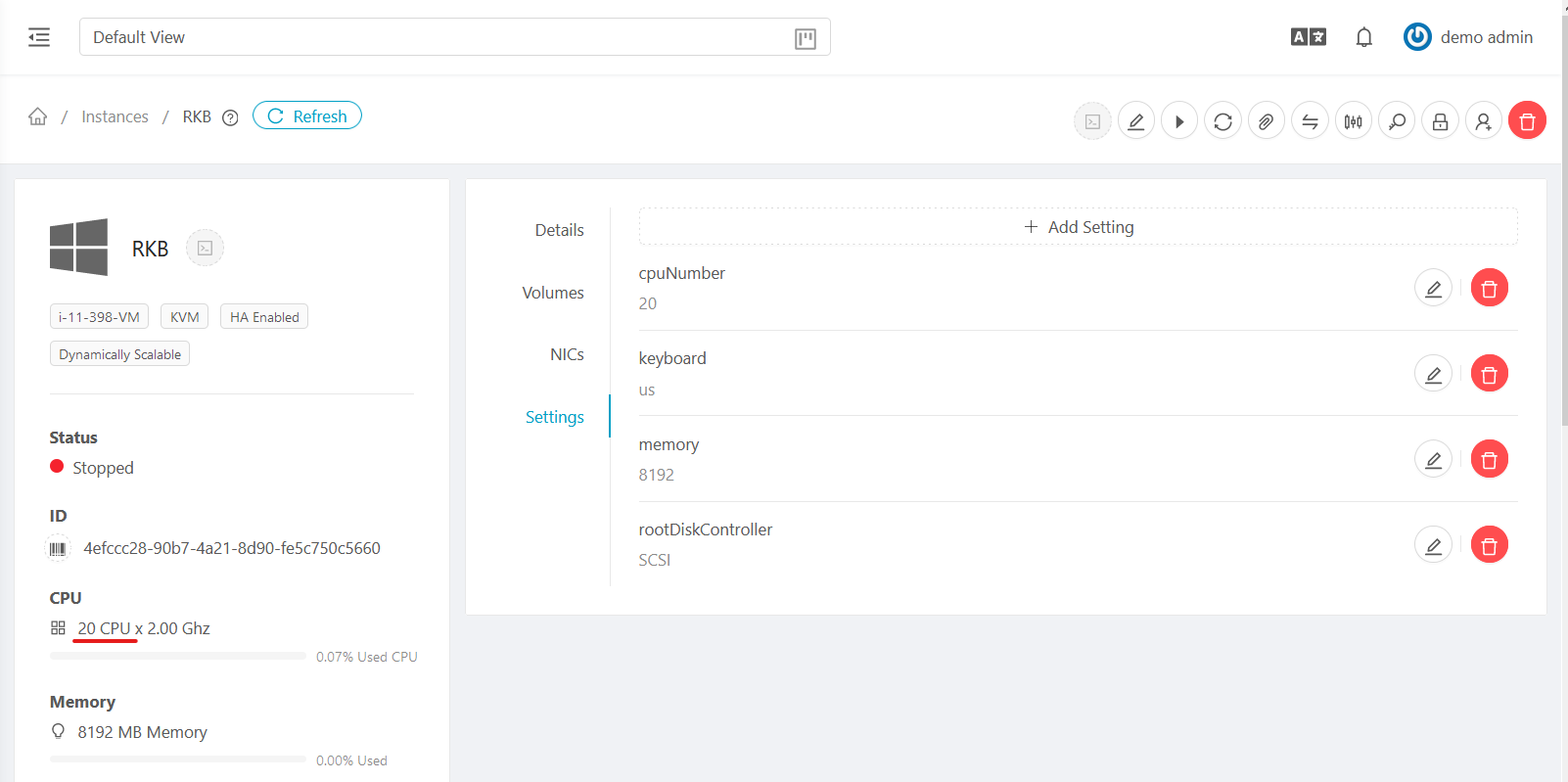
And the VM starts without a problem:
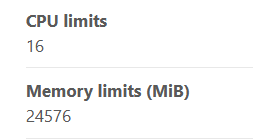
Even though the Domain and Account Limits look like that:
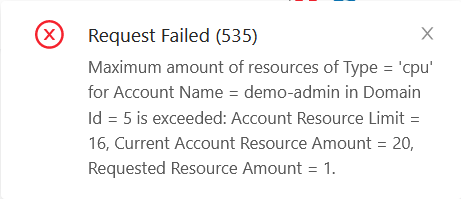
Of course I cant create another VM because my Limit is reached:
But if I had 20 VMs I could set all of them to 20CPUs or more without a problem and start all of them.
The same thing happens on the old UI.
weizhouapache commentedon Nov 17, 2020
@VincentHermes is global setting
resource.count.running.vms.onlytrue or false ?this issue seems to because there is no resource limit check when change vm setting 'cpuNumber'.
if
resource.count.running.vms.onlyistrue, resource limit will be checked when start the vm, so it is not a problem.if
resource.count.running.vms.onlyisfalse, vm will be started without exception.weizhouapache commentedon Nov 20, 2020
@DaanHoogland it might be a bug. there is no any check when change vm settings.
when change cpuNumber, Memory , resource limit should be checked and resource count should be updated when vm setting is saved to db.
DaanHoogland commentedon Nov 21, 2020
@weizhouapache ok, removing the label again, what I read in your reply that it works as designed. so the question is is it a bug or a missing feature or something tha should be done differently from the users perspective?
Going over quota by a work around could be considered an operator responsibility.
weizhouapache commentedon Nov 21, 2020
@DaanHoogland since we provide this feature to users, we should add some checks. Otherwise, it will bring trouble not only to users, but also to admins, if users pass some unexpected value.
similar as global settings, first, there should be a check for the type of the value (for example, Integer/Boolean/Float, etc), second, a check for possible value (an invalid value should NOT be accepted). then check some other restrictions, for example, cpuspeed should not be changed if vm use constraint service offering, cpunumber/speed/memory should not be accepted if vm uses fixed offering. The last, check resource count/update resouce limit when update cpu cores,memory.
There might be more checks needed.
As an admin, I would suggest not to provide this feature to users, before these checks are added. To be clear, I suggest to add some settings to user.vm.blacklisted.details or user.vm.readonly.ui.details
yadvr commentedon Sep 27, 2021
Looks like the PR has been merged #5428, closing this.