Repository navigation
[Issue] 페이지에서 material ui TextField 컴포넌트 사용시 스타일 깨짐 #21
Description

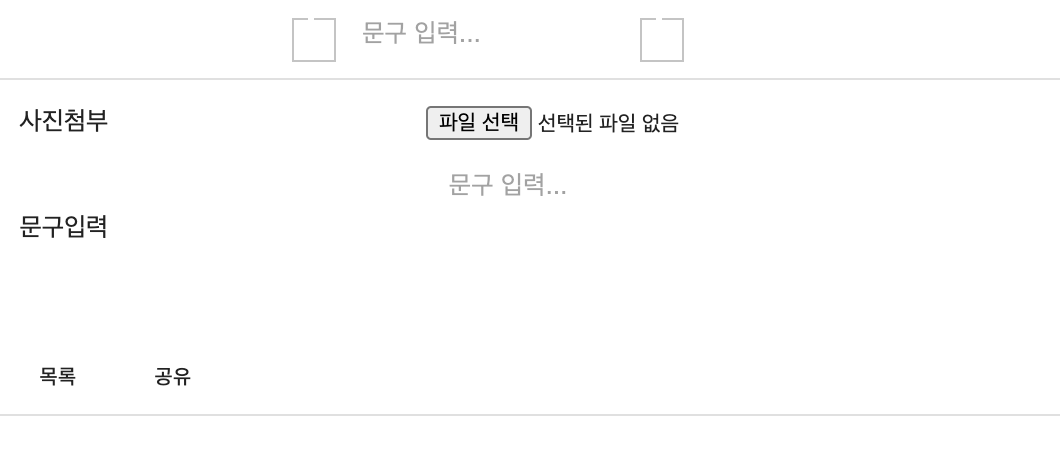
문제
- page 폴더 아래 스크립트 파일에서 material ui
<TextField />컴포넌트 사용시 스타일이 깨져버리는 에러 발생 - TextField의 variant 속성값='outlined'만 저렇게 됨. 'filled' 등은 잘 반영됨.
해결과정
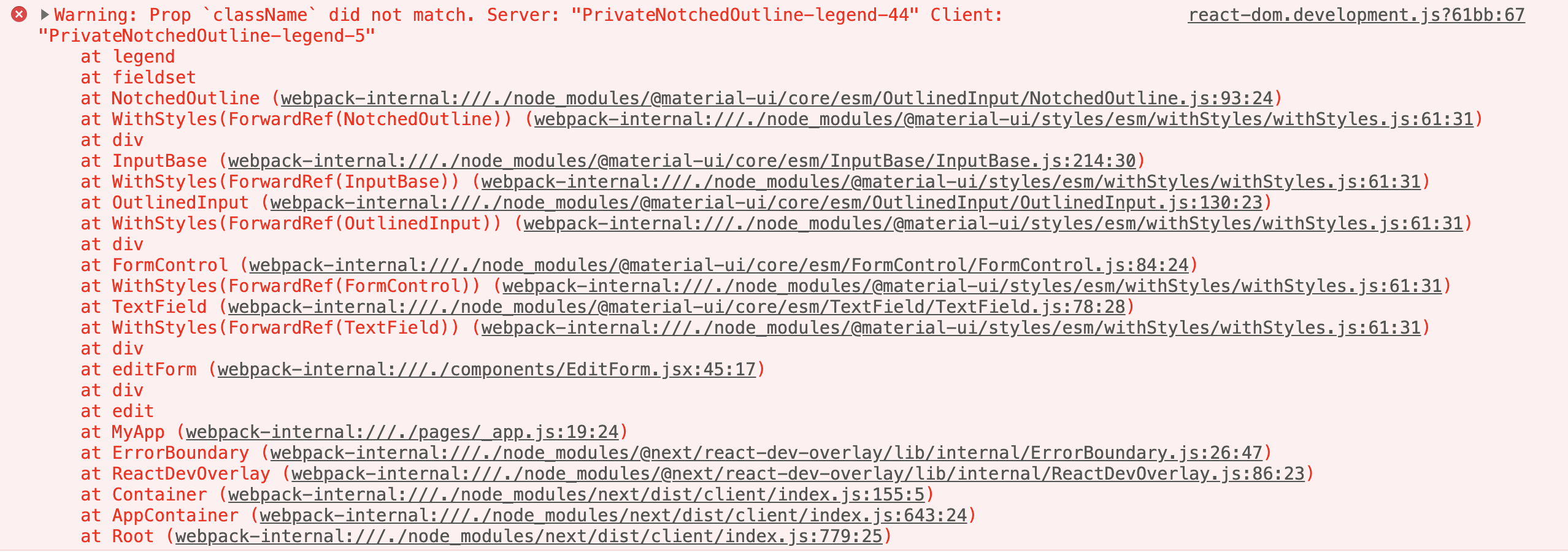
- 콘솔에러 확인
Warning: Prop `className` did not match. Server: "PrivateNotchedOutline-legend-280" Client: "PrivateNotchedOutline-legend-5"
    at legend
    at fieldset
    at NotchedOutline
- 구글링
- 검색어
Warning: Prop `className` did not match. Server: - 블로그 발견 : Styled-components # nextjs에서 className 오류
- babel-plugin-styled-components 설치
npm i babel-plugin-styled-components- .babelrc 설정
{
  "presets": ["next/babel"],
  "plugins": ["babel-plugin-styled-components"]
}
Activity
#8 #21 오타수정, _app 래퍼 추가
devmhl commentedon May 30, 2021
해결!
참고자료