Repository navigation
Pilot deployment feedback #20


Description

I am going to type in feedback here about my trials of the SoundWatch app. First off is the installation process:
Here's what I get once I open the internal test link sent my Khoa:
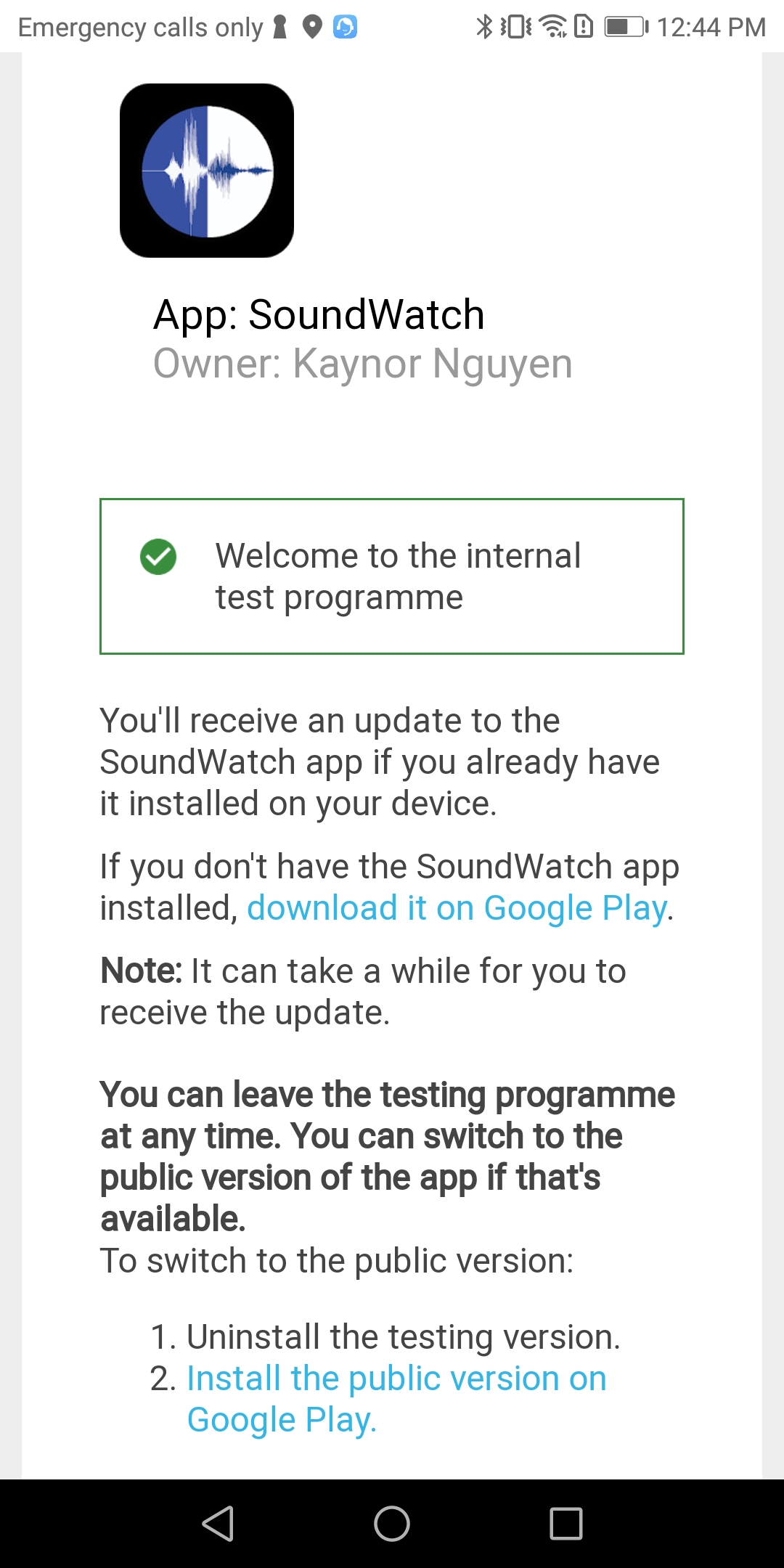
- Can we change this description? If yes, it'll be nice to add: our team is working hard to develop a publically available version, and we'll let you know when it is available.
Next, I am prompted with the main app screen:
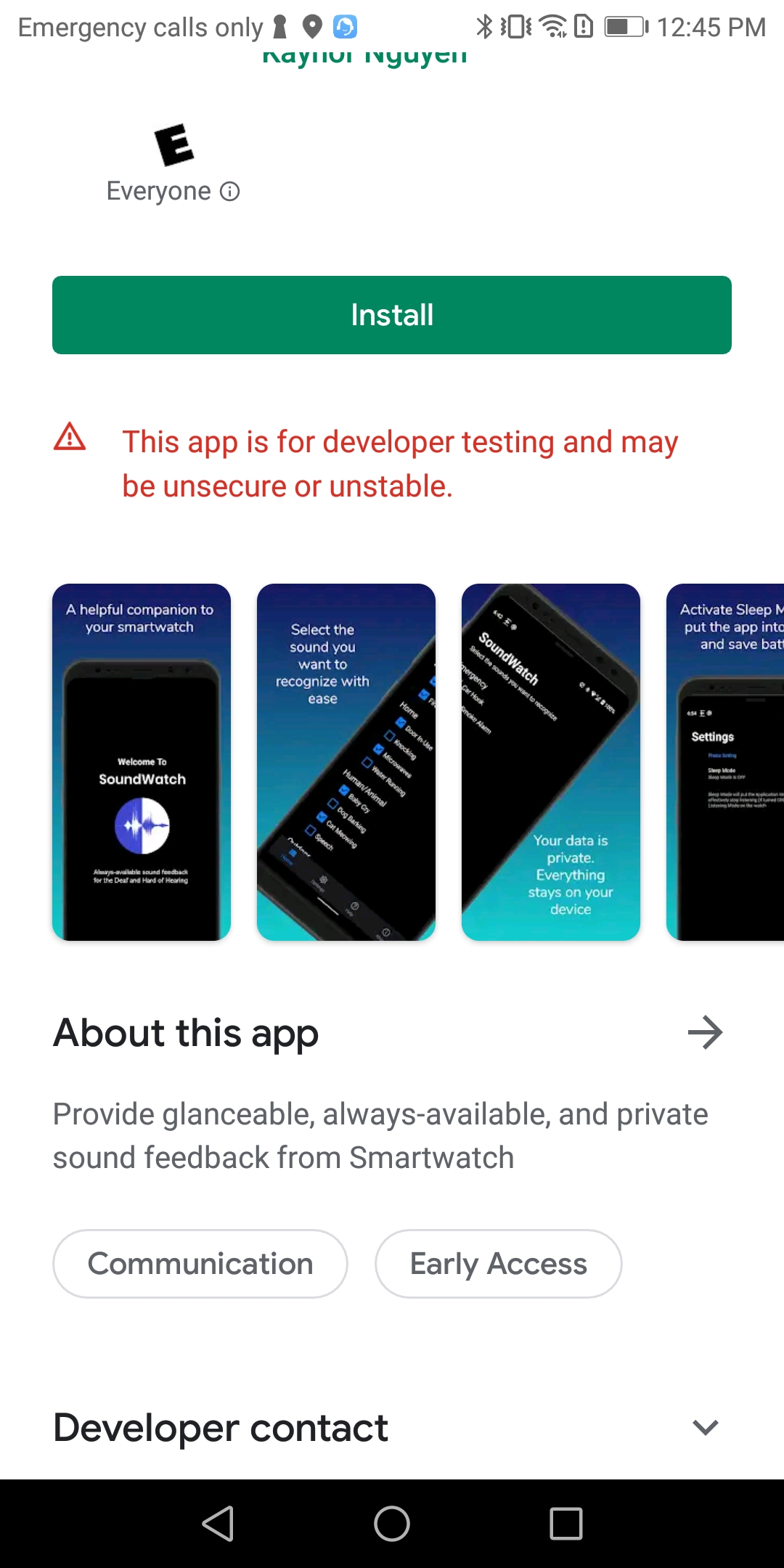
- The images here look nice! Great job team! The phrases on the images are very apt.
- The about message is not cool--it looks very technical (indeed, it was copied from the paper). It's also not grammatically correct. Can @rachelgk work on this and change this?
Finally, on expanding the "about this app" menu, I see the following:
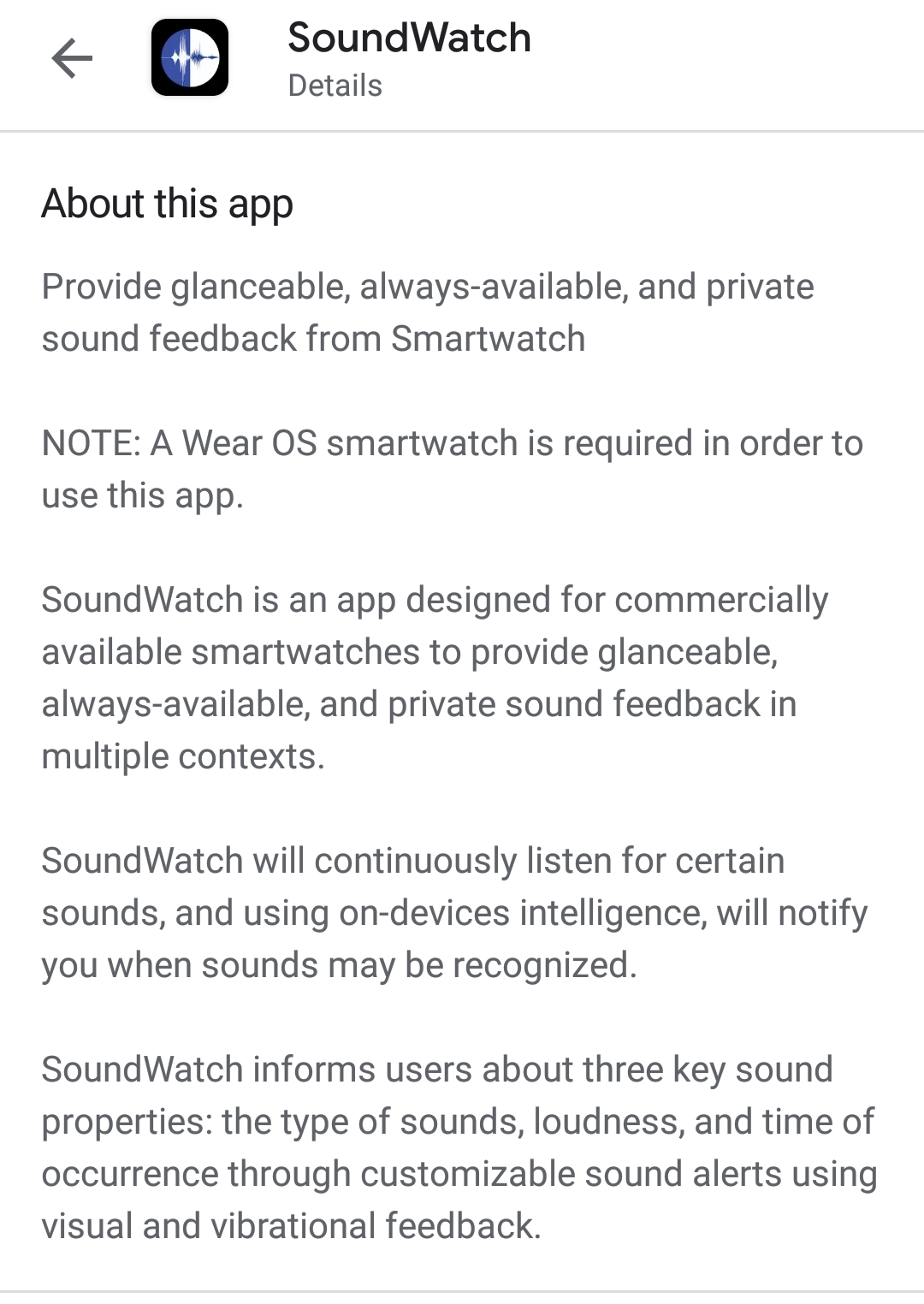
All the above descriptions would need to be changed on the watch app too (which shows the same messages).
Activity
higherdefender commentedon Oct 16, 2020
My second concern is about downloading the app on the watch.
I am provided the link for the phone. @akkaneror told me that if the watch is paired, the app for the watch will automatically be downloaded. This didn't happen for me. So, I was left with a a dangling phone app with a customizable list but nothing showed up on the watch. So, I deleted the app on the phone, factory reset my watch, and paired it with the phone again, and reinstalled the app on the phone (these steps took a long time: 25 mins).
Still, I couldn't find the app on the Watch. On further investigating, I saw a notification in the watch history and I clicked on it. Still nothing happend. Finally, I opened the play store on the watch manually and scrolled through the list of recommended apps to find "SoundWatch: early access" listed. It showed "download pending..." but didn't download until another 15 mins.
This was a really arduous task. The phone app should have debugging instructions: when the user opens the phone app, it should automatically check if the watch is connected or not. And if it's not, guide the user through the process of successfully connecting and pairing the watch, and downloading the app on the watch. In any event, the user shouldn't have to download the 354MB SoundWatch phone app again. If possible, whenver the phone app is opened, it should automatically open the watch app as well, and vice versa.
higherdefender commentedon Oct 16, 2020
My third concern is about the tutorial. While very well articulated, the UI and images don't look very professional. @akkaneror Did you mockup on powerpoint or figma before designing it on the watch? If not, please port all the screens in the tutorial flow exactly as they appear on the phone (including the images and text) in a powerpoint and we can collectively edit. It'll be helpful to see how other commonly use apps (like fitness apps and others from reputed companies) show their tutorials.
Similarly for the FAQs (which look slightly better than the tutorial but are not there yet).
Also, on the very first run of the watch, can't we have an interactive tutorial which are so common these days? The first screen that shows up on intalling the watch is the customization screen, and I have no idea what should I do with this screen. If the interactive tutorial is not possible for some reason, atleast show the tutorial screen on the very first run of the app.
higherdefender commentedon Oct 16, 2020
Fourth: What is the sleep mode? Please add in the FAQs. I see that it's shown on the tutorial, but then again, I didn't get to the tutorial until much later because the app started on the customization screen.
higherdefender commentedon Oct 16, 2020
Other minor concerns below (a living thread):
I am considering that we should remove the "speech" sound and keep it to 10 sounds.
"Fire Smoke Alarm" should be "Fire/Smoke Alarm"
akkaneror commentedon Oct 16, 2020
Valid point! I'm gonna go through each concern that I think there is a solution, one by one, in details.
Ex1:https://stackoverflow.com/questions/63950020/how-to-install-wearos-companion-app-along-with-the-android-phone-app-automatical
Ex2: https://support.google.com/wearos/thread/59656148?hl=en
-> But that is not to say we can give up. We can at least put a tutorial when users first open the app, and prompting them if the watch app is not installed then you might try to redownload the app.
It's possible to disconnect or stop listen on the watch from a click using the phone. But I'm quite sure it's not possible to "wake up" the other app when one is open. Especially if you have screen lock, passcode, or do not disturb turning on.
Do you want it to have the style looks like the Google Play front page?
About the black border, it's supposed to be a part of Google Adaptive Icon. Spotify has exactly the same thing.
I can change it to be a fully appeared icon and you can be the judge for it 🙂
rachelgk commentedon Oct 16, 2020
I can work on the About section, question though- how is this different than the About section we have on the app? Can we use the same paragraph or do the two Abouts have different purposes?
higherdefender commentedon Oct 16, 2020