Repository navigation
Error 500 - Internal Server Error for 'Manage My Packages' #102
Description

Trying to manage ownership for our account of PowerShell Gallery, as listed in doc: https://docs.microsoft.com/powershell/scripting/gallery/how-to/publishing-packages/managing-package-owners?view=powershell-7#adding-owners
But when I click the 'Manage My Packages' link/page of PowerShell Gallery. I am continually seeing Error 500. Tried different browser & private mode as well - but getting 500 error everytime.

Our profile name is : Azure-Automation-Team
Activity
SydneyhSmith commentedon Jun 9, 2020
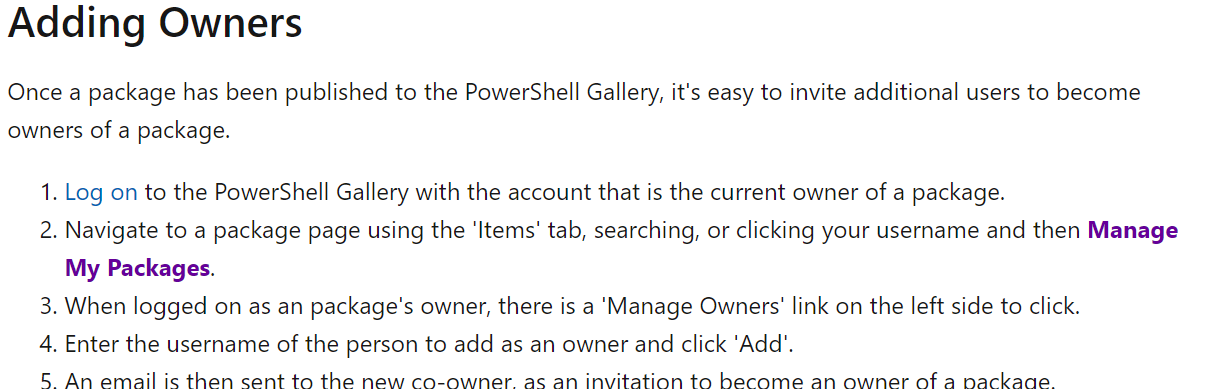
Thanks Vijay Nagarajan (@msvijayn) for reporting this--sorry to hear that you are hitting this issue, weirdly I am having some trouble reproducing it--are you hitting this error by clicking the link in the docs:

or in the gallery UI:
msvijayn commentedon Jun 16, 2020
Sydney Smith (@SydneyhSmith) - I tried again using the link in the doc for "Manage My Packages". As well from the menu in PowershellGallery.com - as in screenshot below:
In both cases I see the same 500 error :(
msvijayn commentedon Aug 4, 2020
Any update? Its been over a month since the last comment. And we are still not able to manage packages from our PS Gallery Account !!

msvijayn commentedon Sep 9, 2020
Sydney Smith (@SydneyhSmith) - Any updates ? We are still not able to manage packages from our PS Gallery Account !!
msvijayn commentedon Nov 30, 2020
Any updates ? We are still not able to manage packages from our PS Gallery Account !!