Repository navigation
Broken history recall layout after console resize with multiline prompt #633
Description

I use multiline prompt, and everything works fine:
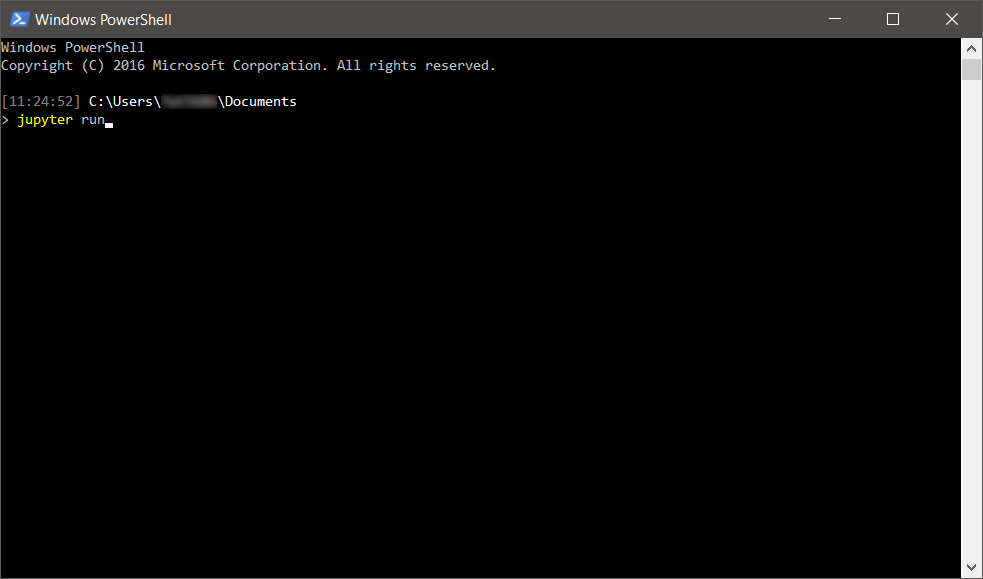
Except when I resize my console window then the layout of the history (Up/Down arrow) gets broken after resize:

When advance to new command (via Enter) it gets recovered to "valid" state. It looks like readline is recovering the prompt using the "spaces" from the old window size, rather than new lines.
Here's a profile.ps1 prompt setting that can be used to replicate the issue:
function Prompt {
    Write-Host $($ExecutionContext.SessionState.Path.CurrentLocation) -NoNewline
    return "`n" + '>' * ($nestedPromptLevel + 1) + ' '
}
Activity
lzybkr commentedon Feb 14, 2018
This should be fixed in 2.0.0-beta1, feel free to reopen with additional details if you update and can still repro.
nanoant commentedon Feb 15, 2018
I confirm this is fixed in 2.0.0-beta1. Thank you!