This repository was archived by the owner on Nov 6, 2023. It is now read-only.
Repository navigation
This repository was archived by the owner on Nov 6, 2023. It is now read-only.
Getting an EASE warning page for 127/8 address range #18754
Description

Type: code issue
Description
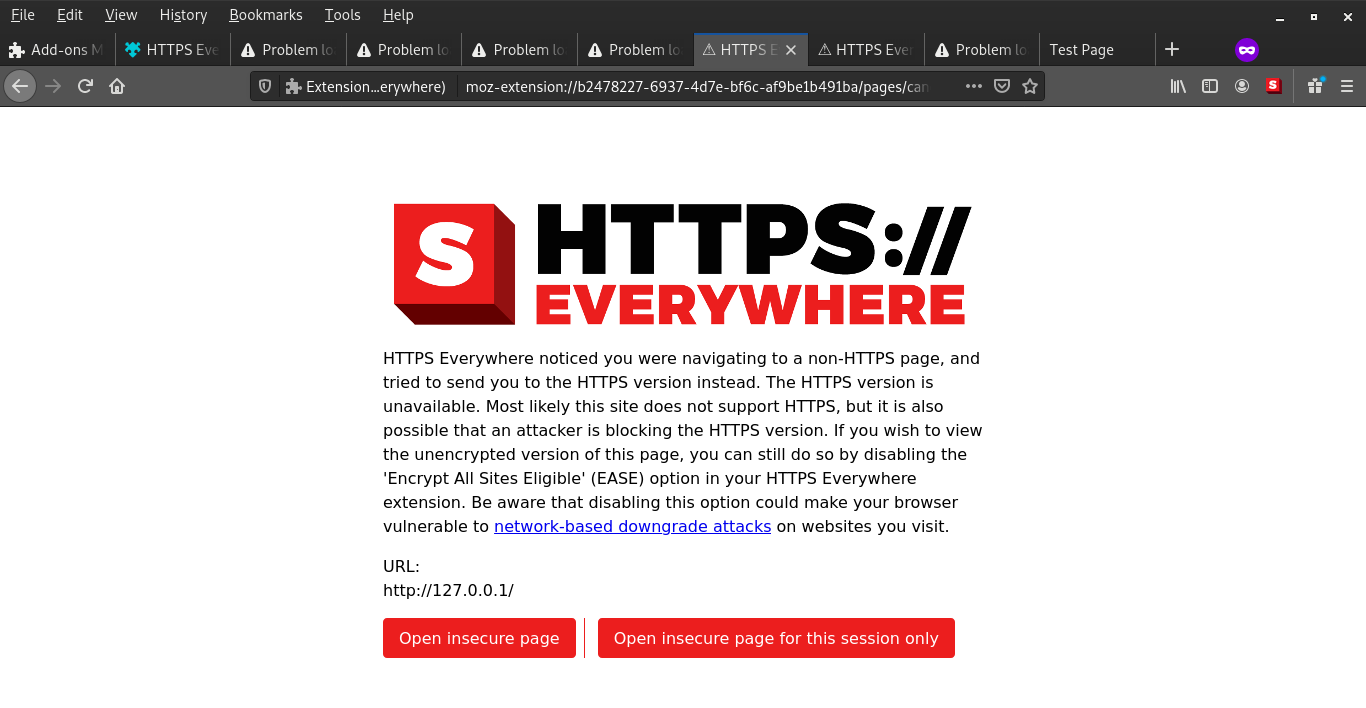
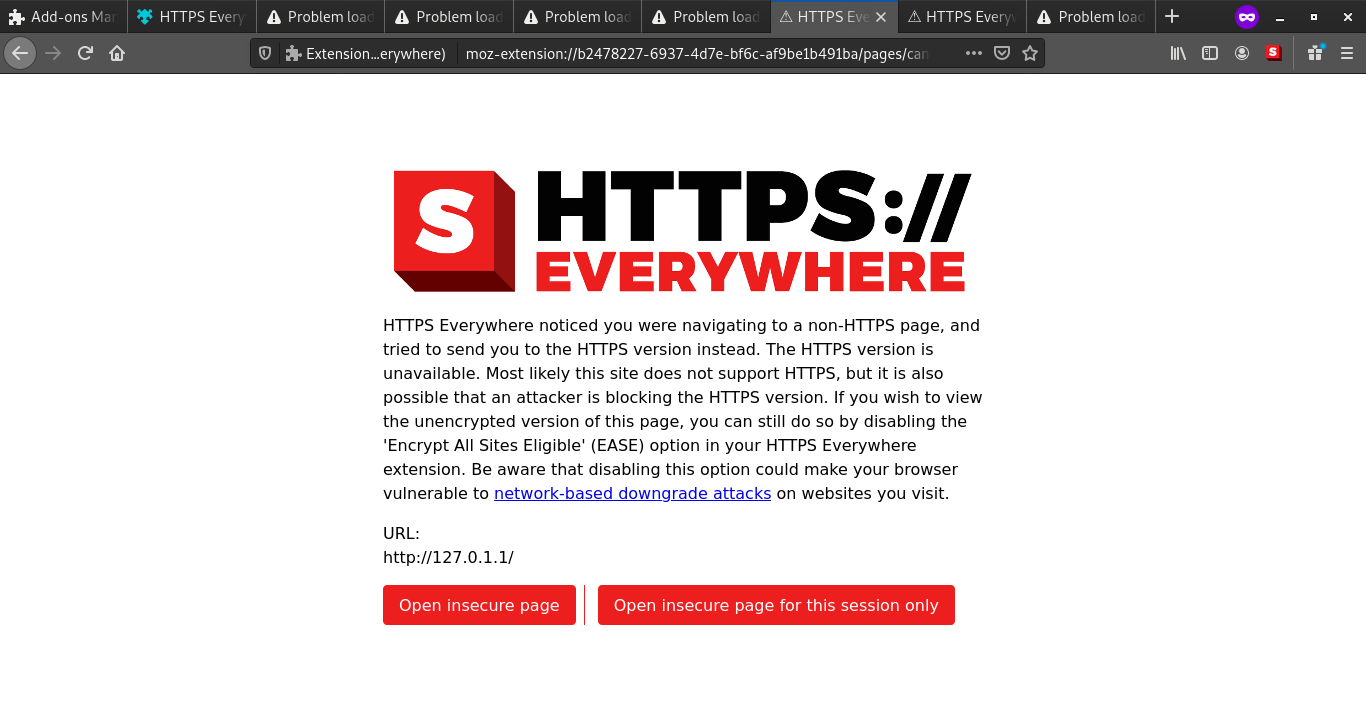
When I enter address in 127/8 range in EASE mode, I'm getting an EASE warning page.
Browser: Firefox (v71.0)
Version: 2019.12.16
Steps to reproduce
- Start a http server.
- Turn on EASE mode.
- Enter 127.0.0.1 in address bar and hit enter.
Actual result
Getting an EASE warning page; and same is true for 127.0.1.1 (which is IP address of my host machine).
user@local~$ host local
local has address 127.0.1.1
Expected result
No warning page.
Additional information
I noticed one more thing, when I try to access data over some other port other than 80 like 8080 in this example; I get an Error code: SSL_ERROR_RX_RECORD_TOO_LONG.
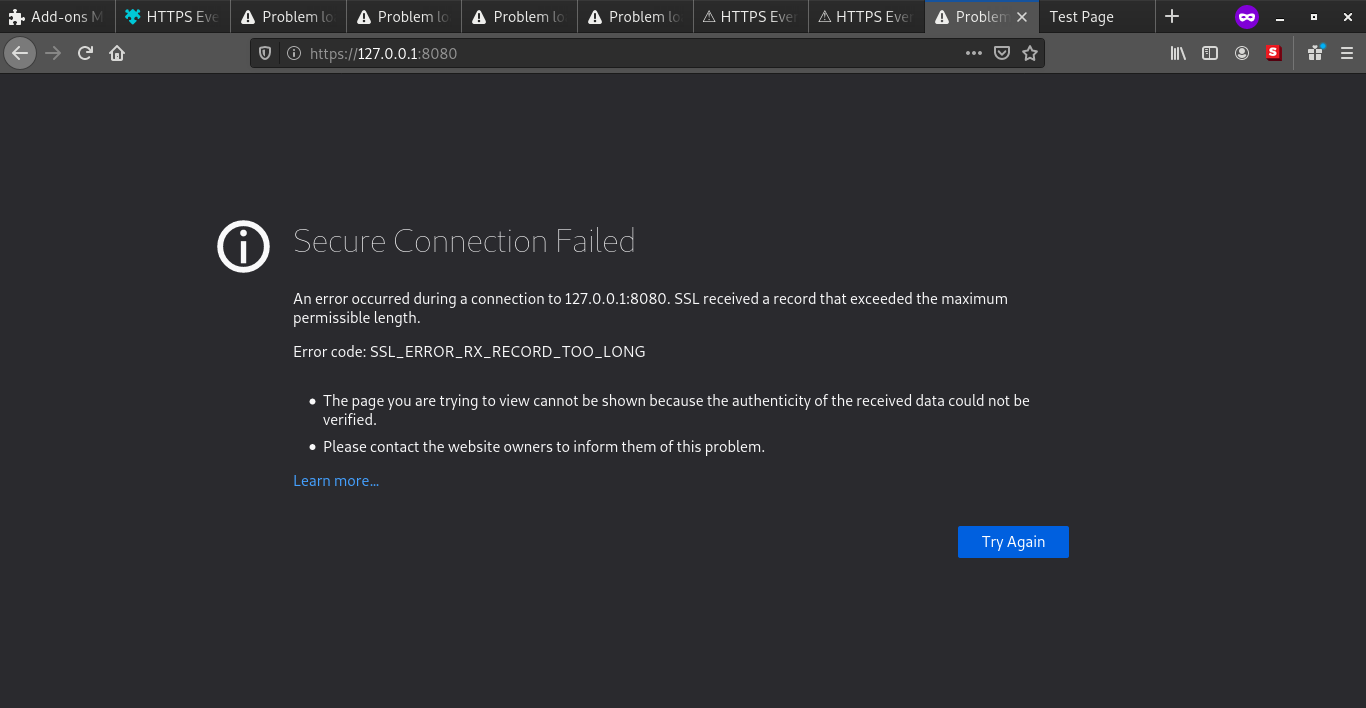
Fig 1: Screenshot of 127.0.0.1:8080 address, in EASE mode.
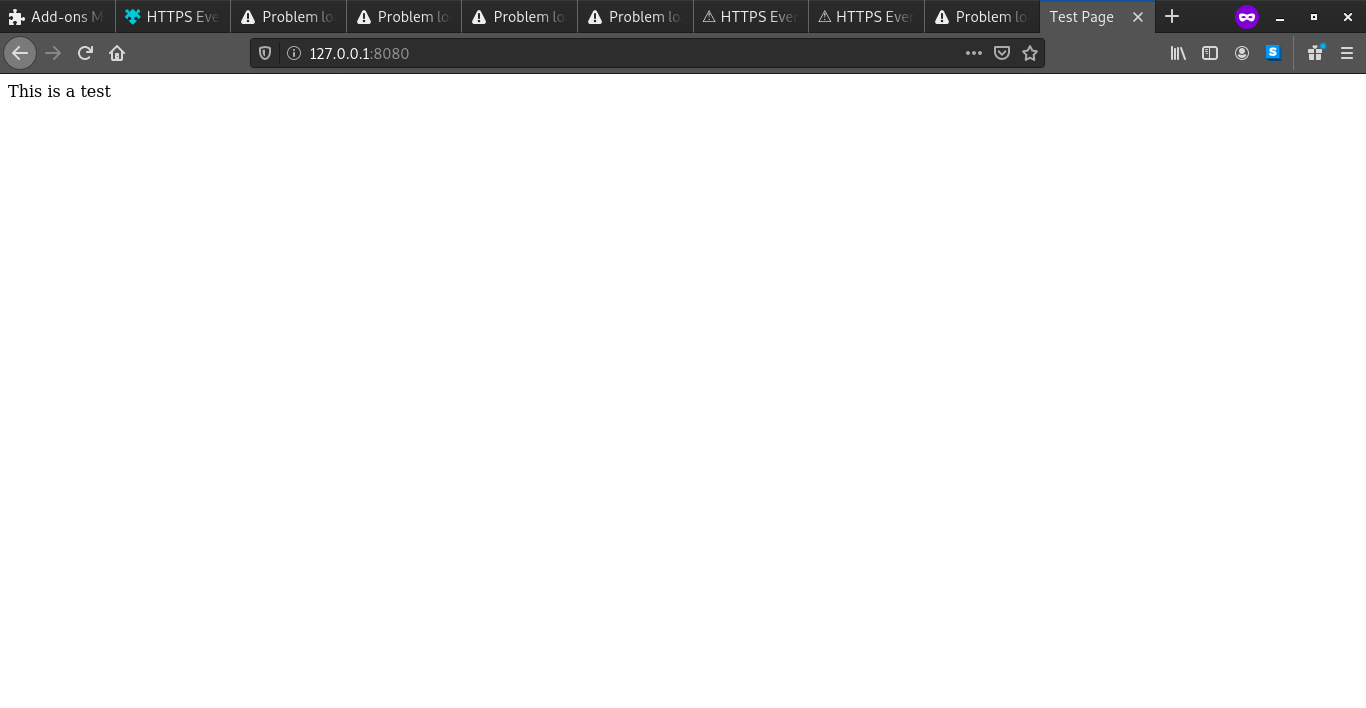
Fig 2: Screenshot of 127.0.0.1:8080, non-EASE mode.
You can see in non-EASE mode, I get no error message, but in EASE mode I do.
Activity
[-]Getting an EASE warning page for 127/8 addresse range[/-][+]Getting an EASE warning page for 127/8 address range[/+]