Repository navigation
Fix open unsupported Documents, support for open image files - #679
Conversation


unsupported document should be opened and show unsupport
 shibotong
changed the title
shibotong
changed the title


|
Nice work! What happens when the image is larger than the viewport? Does it scale to fit or will it scroll? We may at some point consider zoom controls. |
|
We also shouldn't use the same text found in VS Code...
I tested howe Xcode handles this and threw many different filetypes at it. It attempts to render just about anything as it does in Quick Look and this also includes images. Sometimes it only shows the file icon in the case of files such as zip. I would try to replicate this if possible. You may take a look at |


|
If the image is larger than view port, it will become a scroll view with vertical direction and its width will fit for view port @austincondiff Thank you for your suggestion of that package, I'll keep working on this, |
|
I just update my comment above. Take a look at |
|
You may also look at |
|
Hi @austincondiff
|
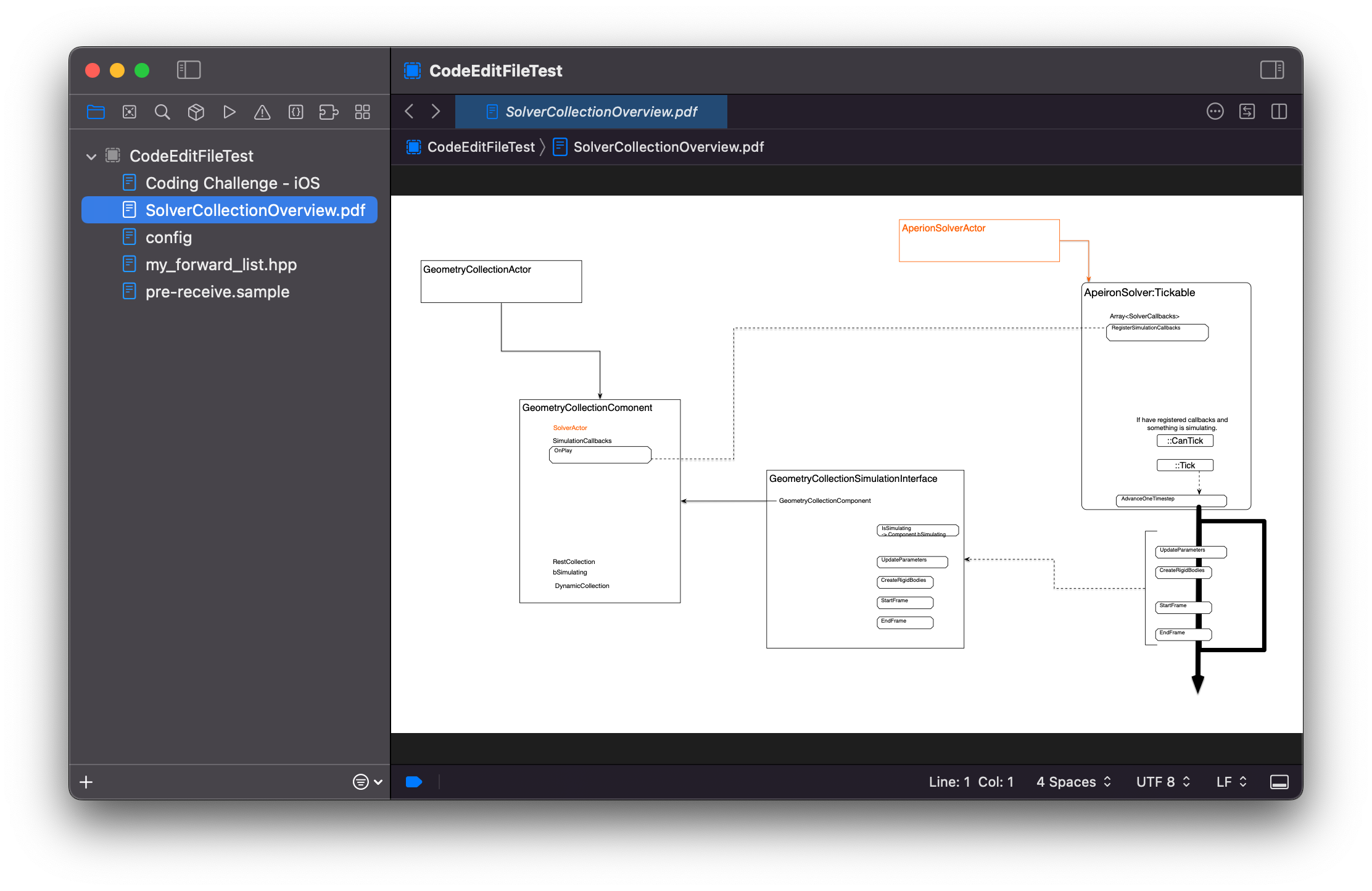
|
Very nice! Why not open images with |
|
Good idea, I haven’t think about that.
If do that way, we only have 2 different type of file. One is text file and the other is “other type”.
Regards,
Shibo Tong
… On 10 Jul 2022, at 23:38, Austin Condiff ***@***.***> wrote:
Why not open images with QLPreviewView too?
—
Reply to this email directly, view it on GitHub, or unsubscribe.
You are receiving this because you authored the thread.
|
|
Hi @austincondiff |
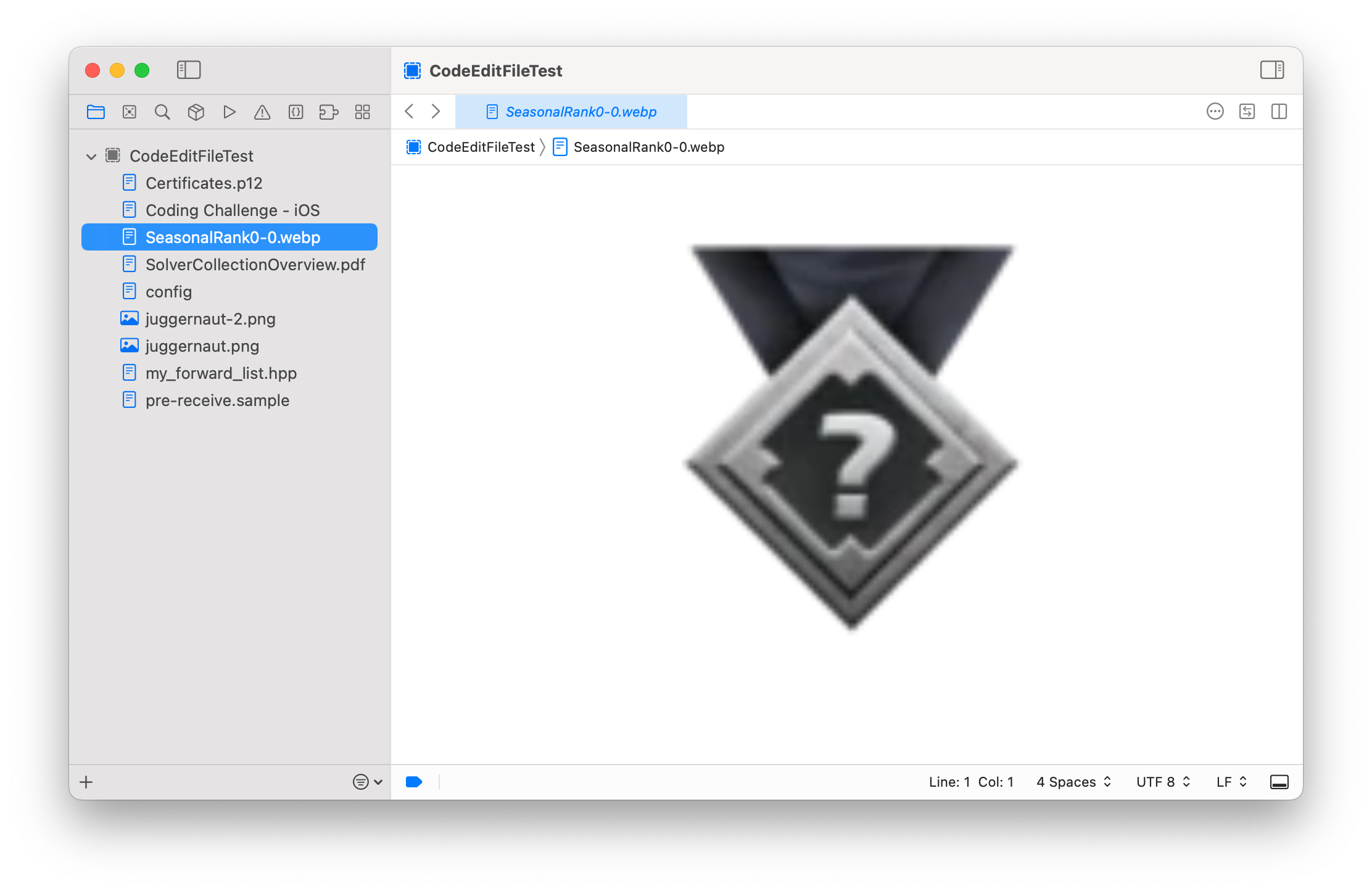
|
You might be able to shrink and center the view to inherit the dimension of the images pixel dimension. You might do a check and see if the image width is less than the viewport width set the views maximum width to the image width, then do the same with the height. This way the image can only scale up to its natural pixel dimension but if the viewport is resized smaller, it can scale down. Does that make sense? |

 Matejkob
left a comment
Matejkob
left a comment
Matejkob
left a comment
There was a problem hiding this comment.
Great work with this feature! I have a few questions and some suggestions for your code. I'd love to hear your feedback to my comments! 💙
| CodeFileView(codeFile: codeFile) | ||
| .safeAreaInset(edge: .top, spacing: 0) { | ||
| VStack(spacing: 0) { | ||
| BreadcrumbsView(file: item, tappedOpenFile: workspace.openTab(item:)) | ||
| Divider() | ||
| } | ||
| } |
There was a problem hiding this comment.
I noticed that in the other two methods, instead of .safeAreaInset(edge:), you used only VStack. I believe this also should work correctly here. @wdg @pkasila @lilingxi01 @lukepistrol @StefKors @austincondiff, does anyone know why someone decided to use .safeAreaInset(edge:) instead of code like this:
VStack(spacing: 0) {
   BreadcrumbsView(file: item, tappedOpenFile: workspace.openTab(item:))
   Divider()
   CodeFileView(codeFile: codeFile)
}
I'm wondering if we can make those three views more consistent.
There was a problem hiding this comment.
This is because if I use safeAreaInset() here, images in ScrollView will have a 1 pixel space on the top.
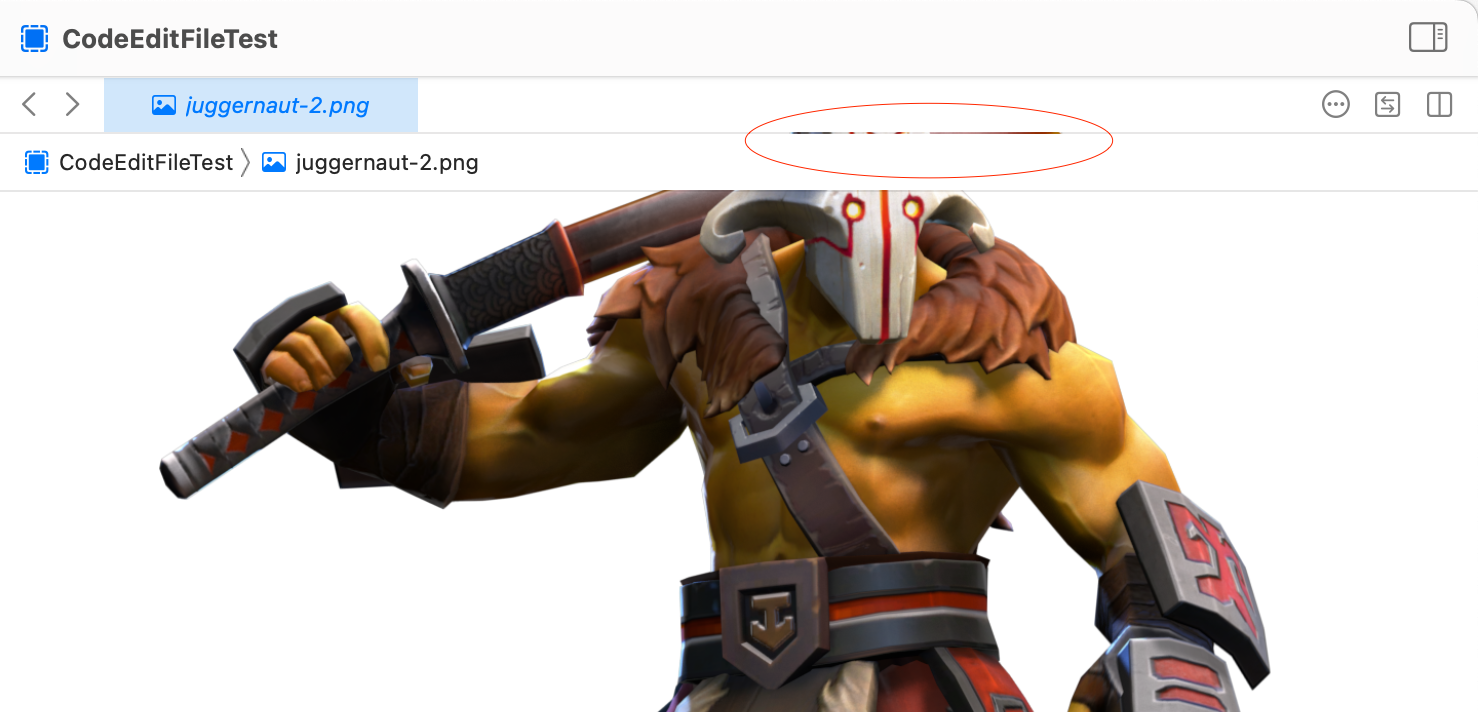
I think using VStack is making more sense.
There was a problem hiding this comment.
I fully agree with you, and I think we should use only VStack. Using safeAreaInset seems to be unneeded to me.

There was a problem hiding this comment.
@shibotong @Matejkob We need to use safeAreaInset so that we will see the blurred vibrancy effect in the toolbar when there is overflow. The above screenshot reveals a defect in the tab bar that needs its own issue and needs to be fixed.
There was a problem hiding this comment.
Thank you @austincondiff I have changed these views to safeAreaInset. I think its ready to merge now
| @Published | ||
| var content = "" | ||
|
|
||
| @Published | ||
| var image: NSImage? |
There was a problem hiding this comment.
I wonder about these two properties. Am I correct that both of them should not be set simultaneously? I can think only about the scenario where one is set, and the other is not. If my thinking is correct, we can consider merging them into one property. It can be achieved using enum, something like this:
enum ContentType {
   case text(String)
   case image(NSImage)
}

@Published
var content: Content? // or var content: Content = .text("")
Thanks to that solution API of this class is more consistent, and we are assured that an undefined state where image and content are set simultaneously.
There was a problem hiding this comment.
Good Idea. Thank you so much for this comment
There was a problem hiding this comment.
Hi @Matejkob
I like this idea, but I am having issue with unwrap content to image or text. Could you give me an example of unwrapping context to Binding ?
There was a problem hiding this comment.
Hi @shibotong,
may you try something like this:
enum Content {
    case string(String)
    case int(Int)
}

class Document: ObservableObject {
    @Published var content: Content? = nil
}

let document = Document()

func string(value: Binding<String>) {}

if let content = document.content {
    switch content {
    case let .string(value):
        string(
            value: Binding(
                get: { value },
                set: { document.content = .string($0) }
            )
        )
    case let .int(value):
        break
    }
}There was a problem hiding this comment.
Thank you for your reply. I think we need to use QLPreviewView to open images and don't need to use enum for content. Thank you for your help
| @@ -44,8 +84,24 @@ public final class CodeFileDocument: NSDocument, ObservableObject { | |||
| return data | |||
| } | |||
There was a problem hiding this comment.
If image is set instead of content, should we not return data of the image here?

|
Glad to receive your letter.I will respond ASAP.Thanks again!
|
|
@shibotong Does all of this make sense? Are you able to resolve these issues so we can get this merged in? |
That's make sense, but that's the reason of can't use QLPreviewView for images. QLPreviewView only take the URL of file. |

Co-authored-by: Mateusz Bąk <44930823+Matejkob@users.noreply.github.com>
Co-authored-by: Mateusz Bąk <44930823+Matejkob@users.noreply.github.com>
|
Hi @austincondiff its ready to merge now. Thanks |
|
@allcontributors add @shibotong for code |


|
I've put up a pull request to add @shibotong! 🎉 |


Description
What's been implemented:
*make unsupported filed can be opened and show error message
*add support for opening image files (#674)
Related Issue
Checklist
Screenshots